What styling looks like
An answer is written in Markdown, and the model can add a little design where it helps you read it: a highlighted key phrase, a tinted note for the warning you shouldn't miss, dates on a timeline, key numbers set large, options side by side with the recommended one marked, a small bar chart. It's drawn in the conversation's own fonts and colours, and it streams in as fast as plain text.
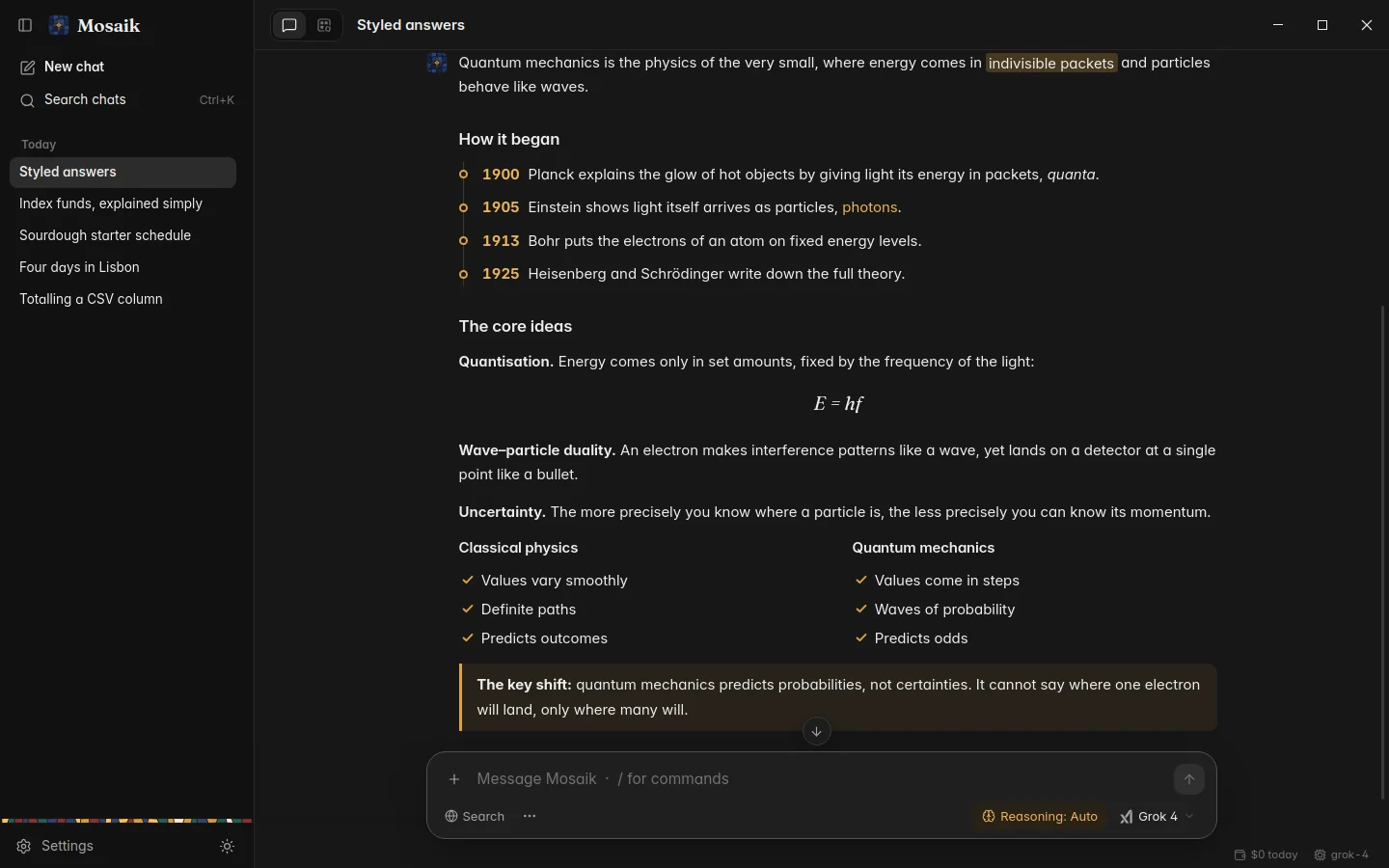
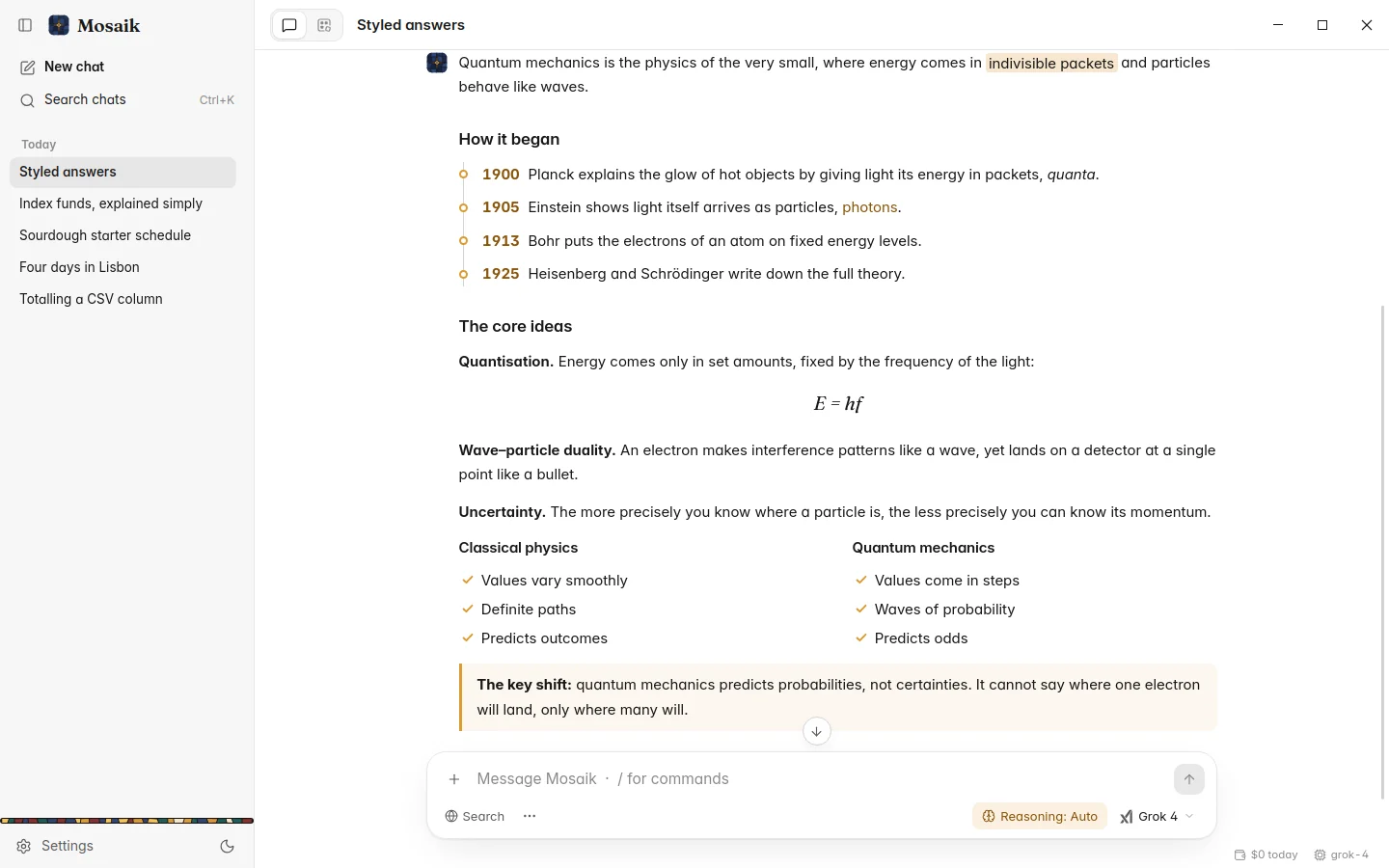
How much styling an answer gets is up to the model, within the level you set. A casual reply stays plain. Most other answers get a few touches. A guide, a plan or a report you'll come back to gets laid out like an article.
Choosing how much
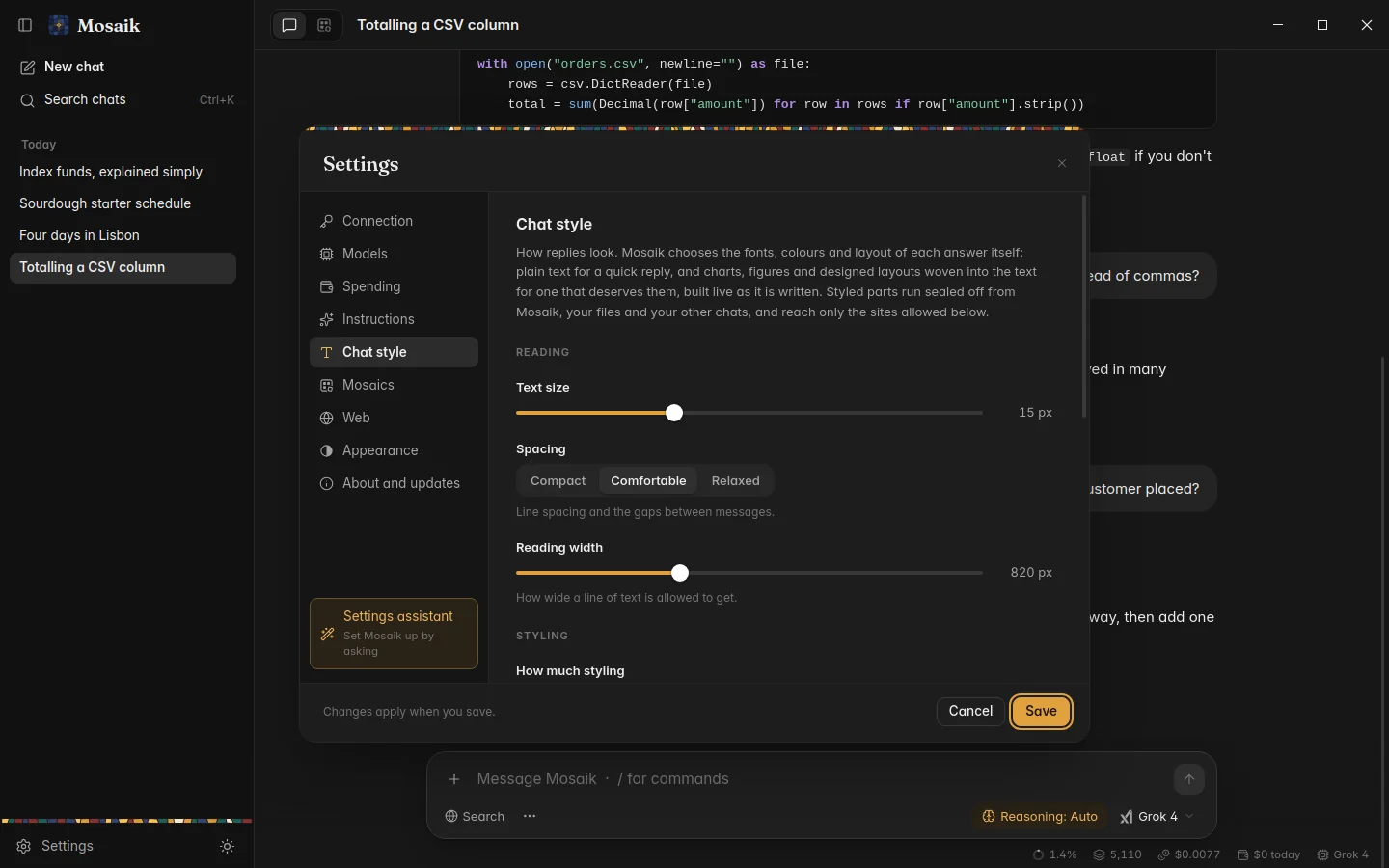
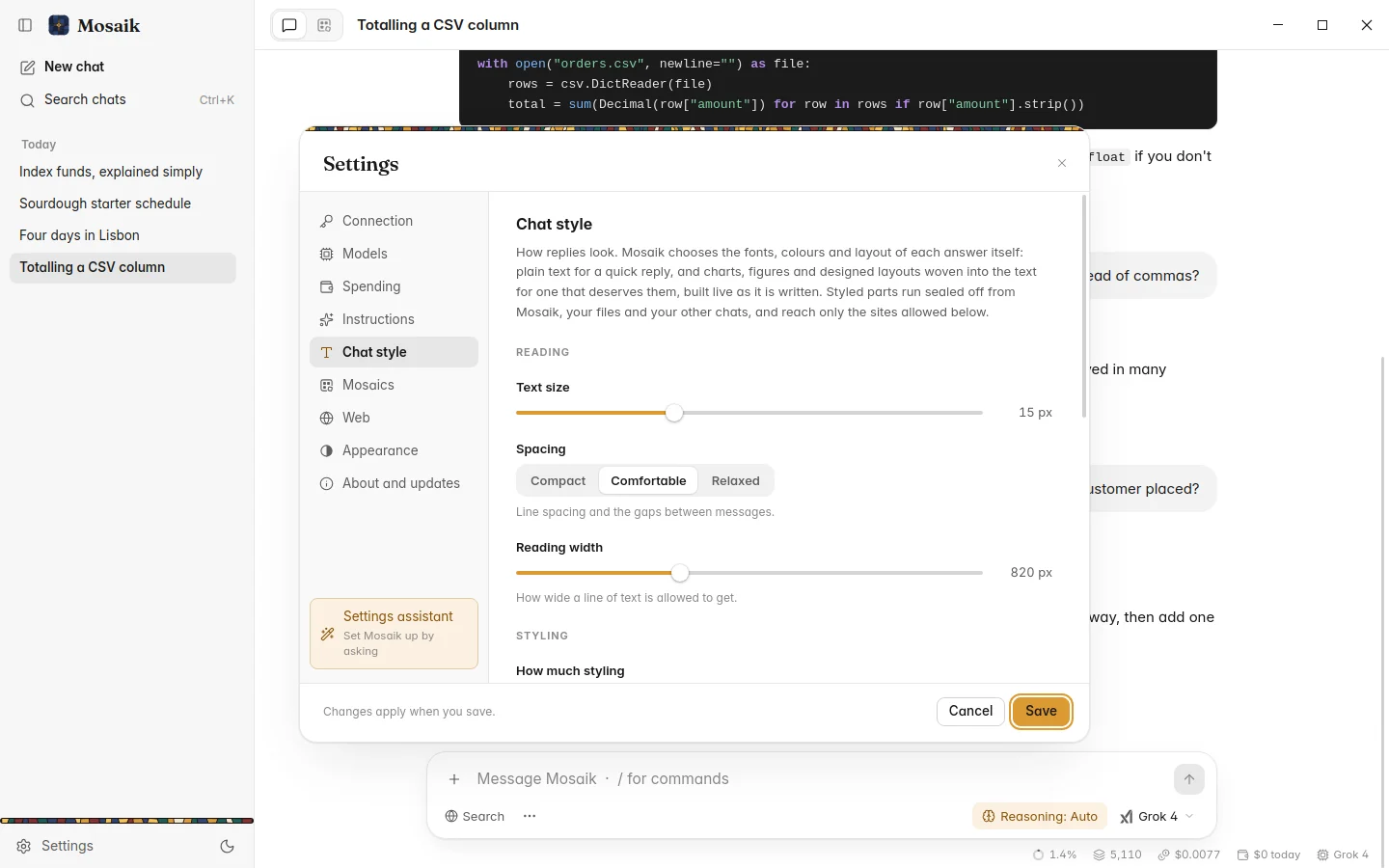
Settings › Chat style has four levels:
| Off | Every answer is plain Markdown: headings, lists, tables and code. |
|---|---|
| Light | Mostly Markdown, with a small touch where it helps, such as a key figure, a note or a mini chart. |
| Auto | The default. Plain for conversation, visuals in most answers, and an article layout when one is called for. |
| Rich | Visuals in nearly every answer, and an article layout for anything substantial. |
The same page sets the text size, the spacing and how wide the text runs.
Pictures
Ask for an illustration, a logo, an icon or a diagram and the model draws it as a vector picture. It appears in a small window of its own inside the answer. Click it to open it large, where you can switch between the picture and its source.
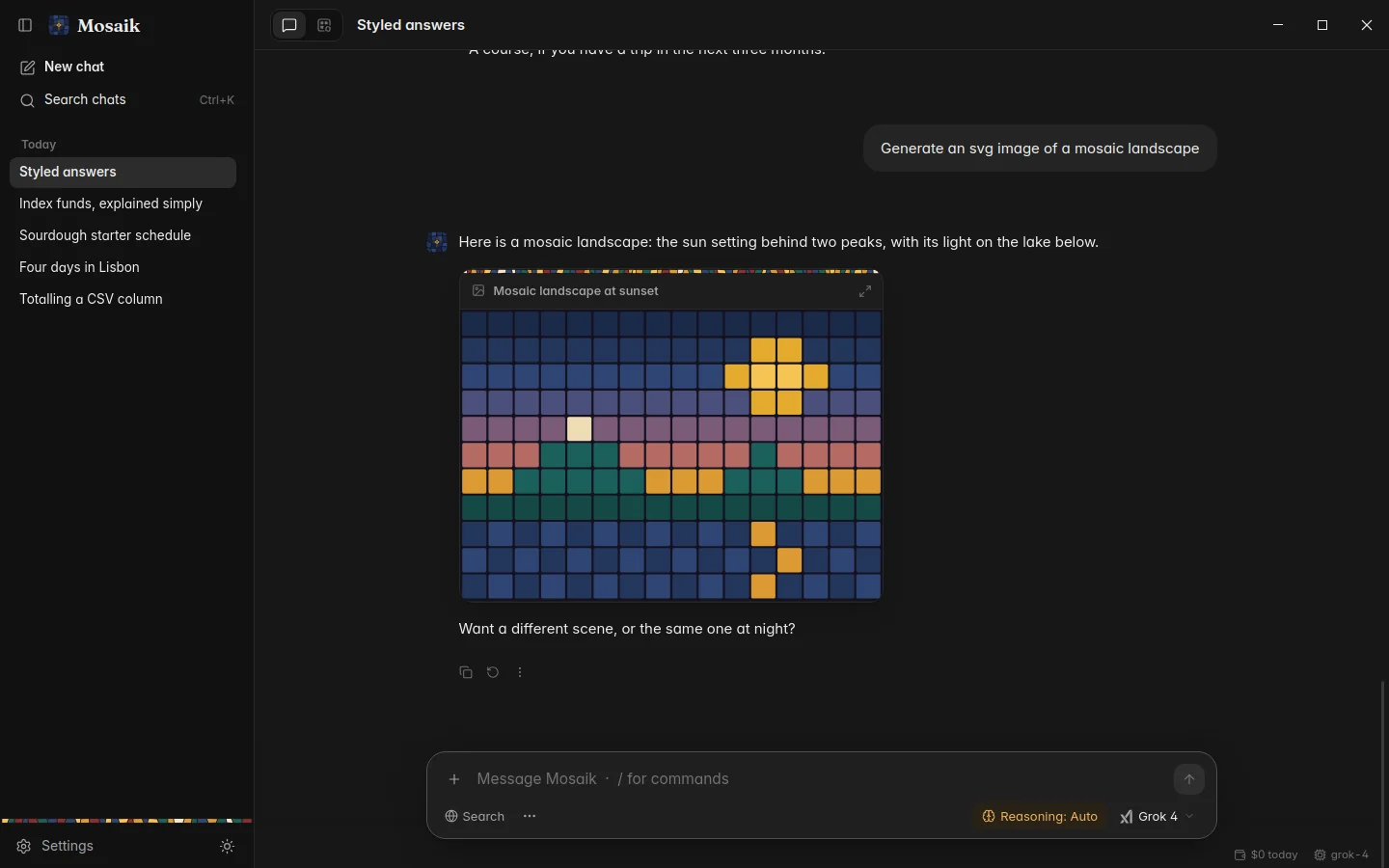
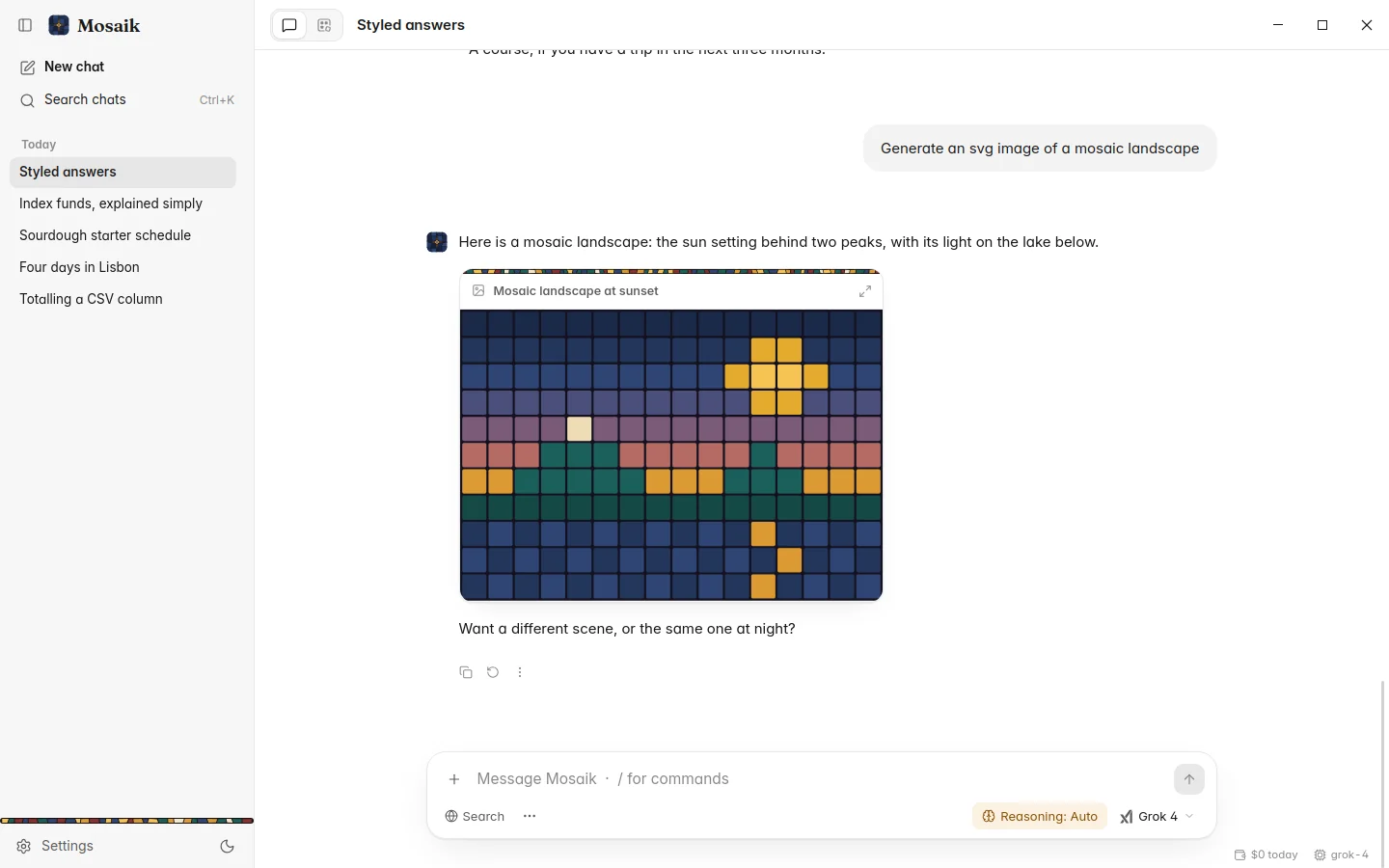
The answer's ⋮ menu (or a right-click) saves the picture as a PNG, at up to three times its size, or as an SVG with the theme's colours written in. It can also copy the SVG or show its source.
Interactive pieces
Some answers work better as something you can use: a loan calculator, a unit slider, a chart you can hover over, a one-page poster or menu. The model builds these as small web pages, and they're drawn as they arrive, the way a browser shows a page that's still loading.
Each piece runs in a sealed frame. Its scripts run, but it can't see Mosaik, your files, your other chats or your key. It can't fetch anything from the internet except fonts and chart libraries from a few well-known hosts, and only if Chat style allows them. Links in a piece open in your own browser.
The answer's ⋮ menu can open a piece large, show or copy its HTML, save it as a web page, or reload it.
Chat style settings
Everything about how answers look is in Settings › Chat style:
- text size, spacing (compact, comfortable or relaxed) and reading width;
- how much styling, from Off to Rich;
- whether pieces use Mosaik's colours, load web fonts, run scripts, load chart libraries and animate;
- the tallest a piece gets before it scrolls inside the answer;
- how long a styled answer may run, since design takes more tokens than plain text.