In the message box
| Enter | Send |
|---|---|
| Shift Enter | New line |
| Esc | Stop the answer being written, keeping what's there |
| ↑ | In an empty box: bring back your last question to edit |
| / | In an empty box: open the command palette |
Anywhere in the window
| Ctrl N | New chat |
|---|---|
| Ctrl K | Search every chat, by title and by what was said (Ctrl F works too) |
| Ctrl P | Commands and models, by name |
| Ctrl Shift K | Quick-ask about the selected text |
| Ctrl Shift F | Find in this chat |
| Ctrl R | Regenerate the last answer |
| Ctrl / | This chat's own settings |
| Ctrl E | Export this chat as Markdown |
| Ctrl B | Fold or unfold the sidebar |
| Ctrl , | Settings |
| Ctrl Shift L | Switch between light and dark |
| Ctrl Shift M | Switch between the Chat and Mosaics tabs |
| Esc | Close the palette, quick-ask or a dialog |
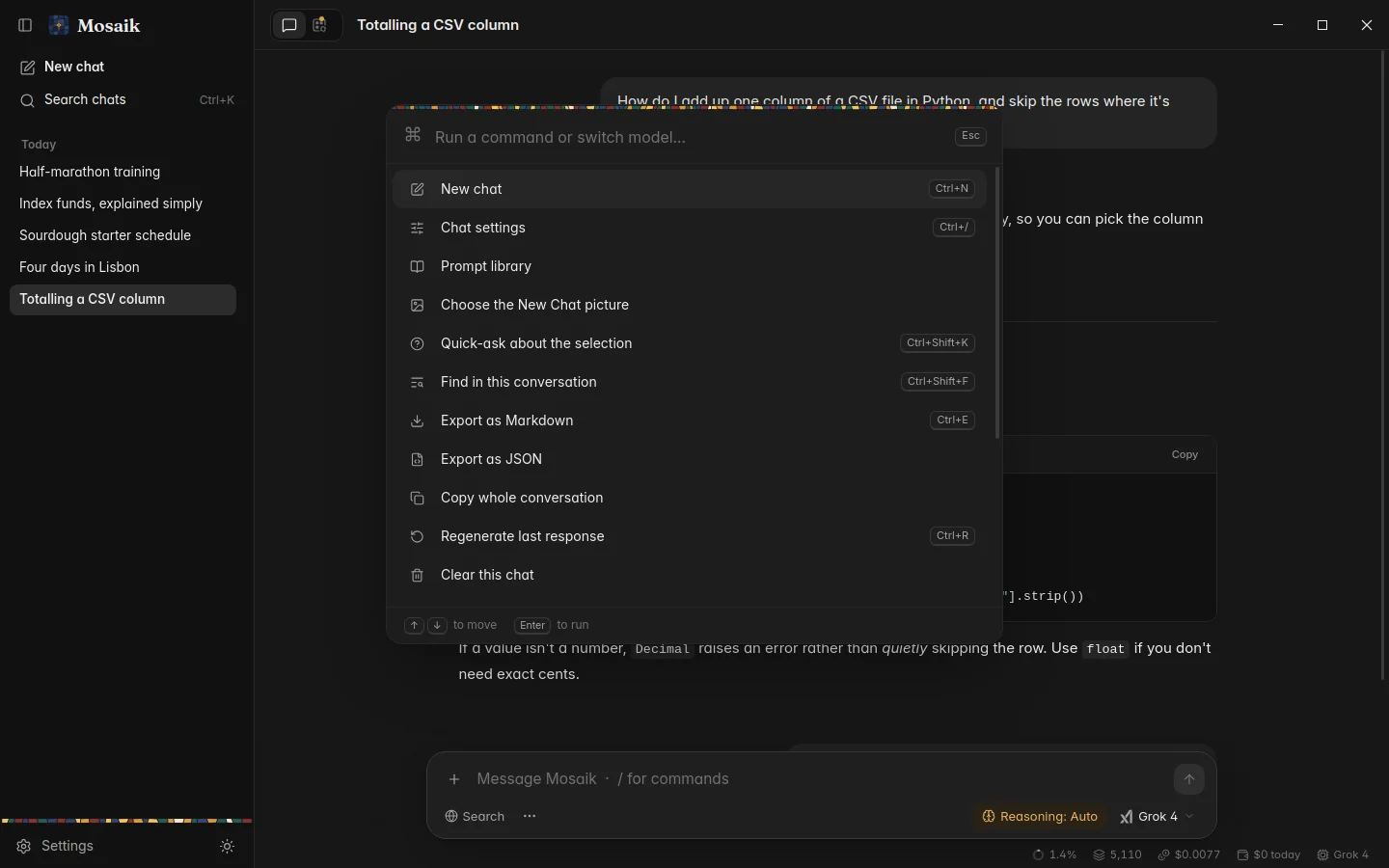
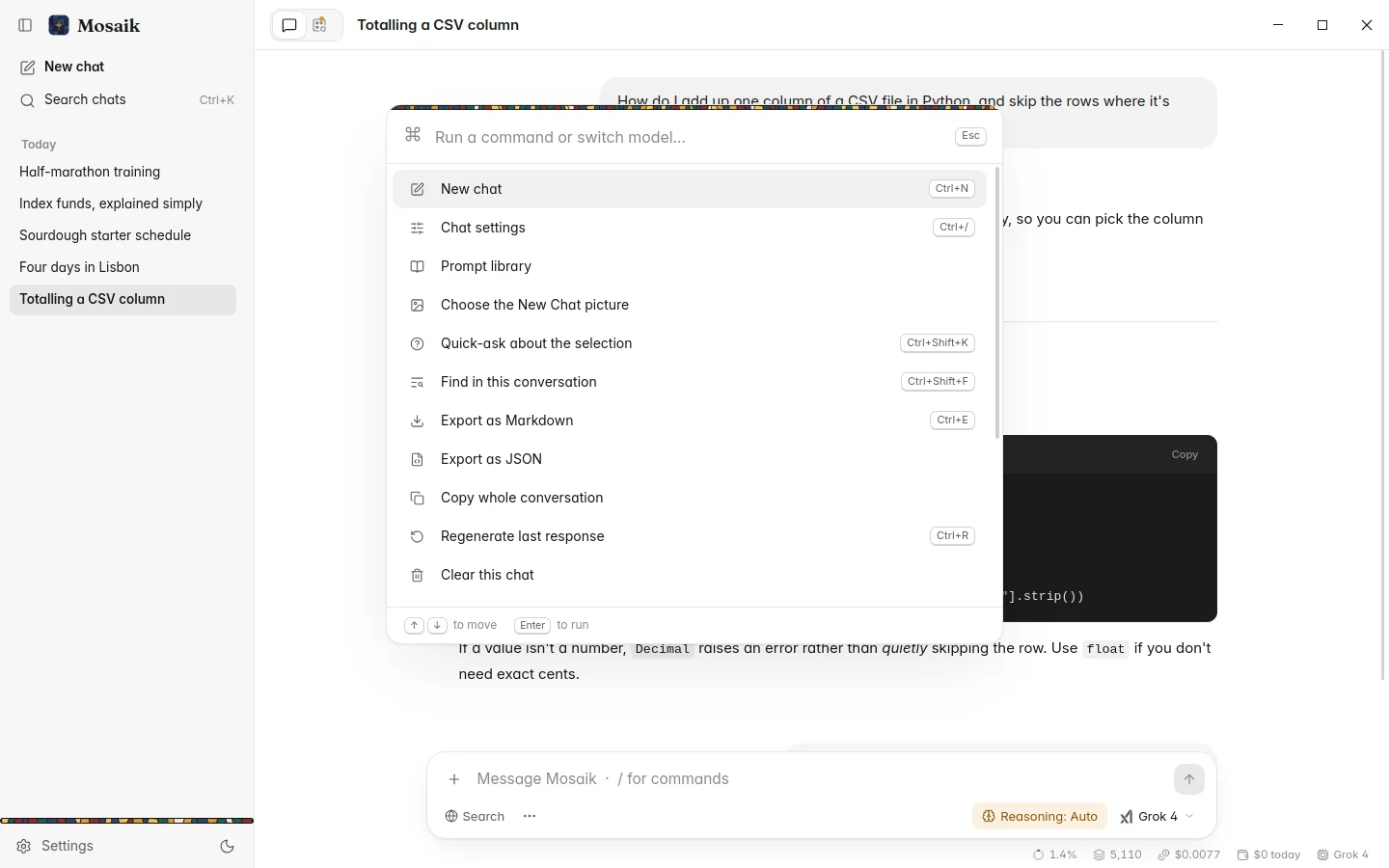
The palette
You don't have to remember any of these. Ctrl P lists every command with its shortcut beside it. Start typing to narrow the list, and press Enter to run one. Model names work too, so typing sonnet and pressing Enter switches the chat to it.
In the Ctrl K search, type > first to switch to commands.