
What an answer costs
Mosaik is free. The models aren't always: OpenRouter charges your account for each request at the model's price per million tokens, and free models cost nothing. Mosaik shows you the cost as you go:
- Under each answer: the model, who served it, the tokens it wrote, the tokens it spent reasoning, how much of the request came from cache, and the price.
- In the bottom right corner: how full the model's context window is, and what the open chat has cost so far.
- In Settings › Spending: what you've spent today and this month, by model and by kind of work, with every recent call listed.
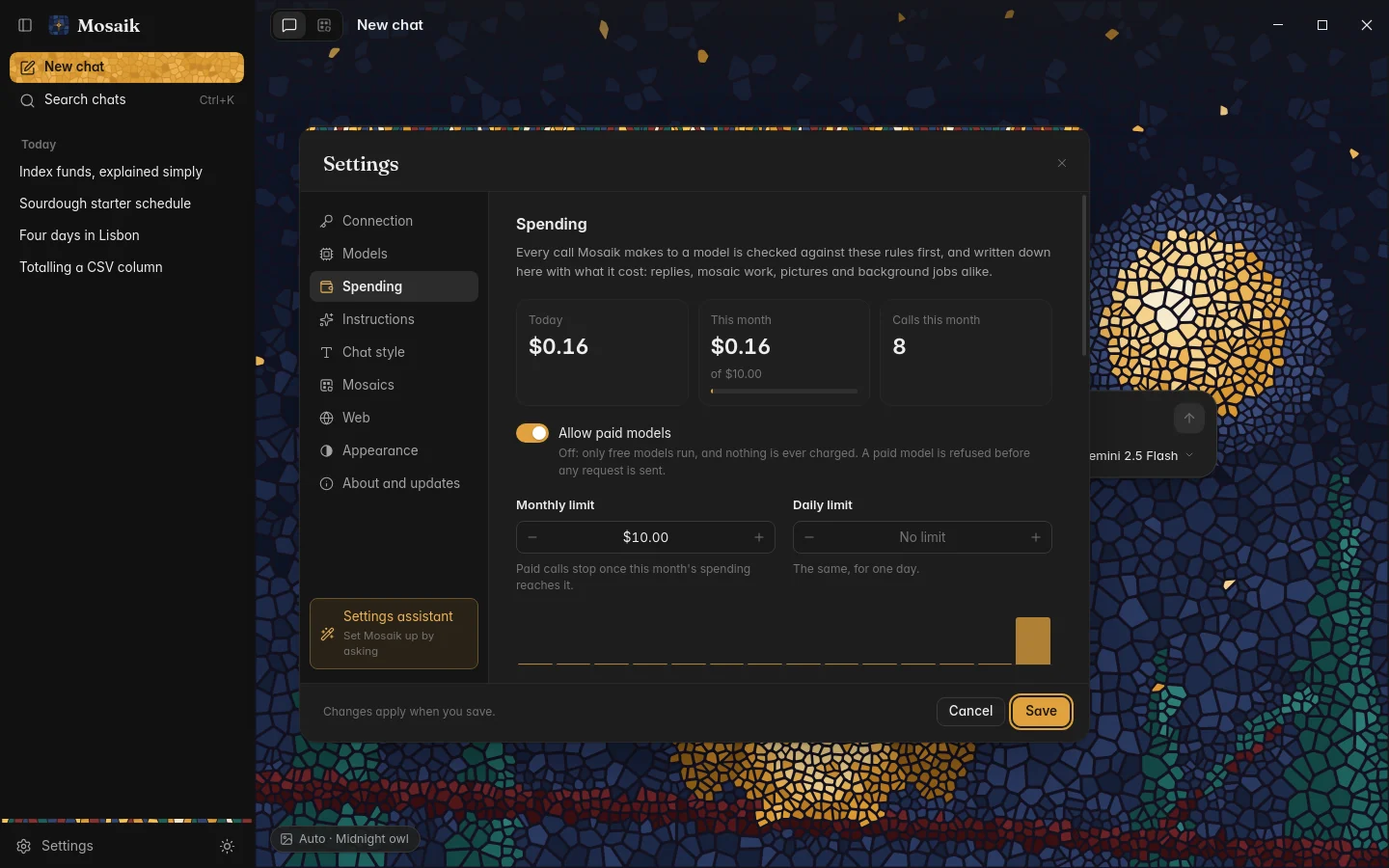
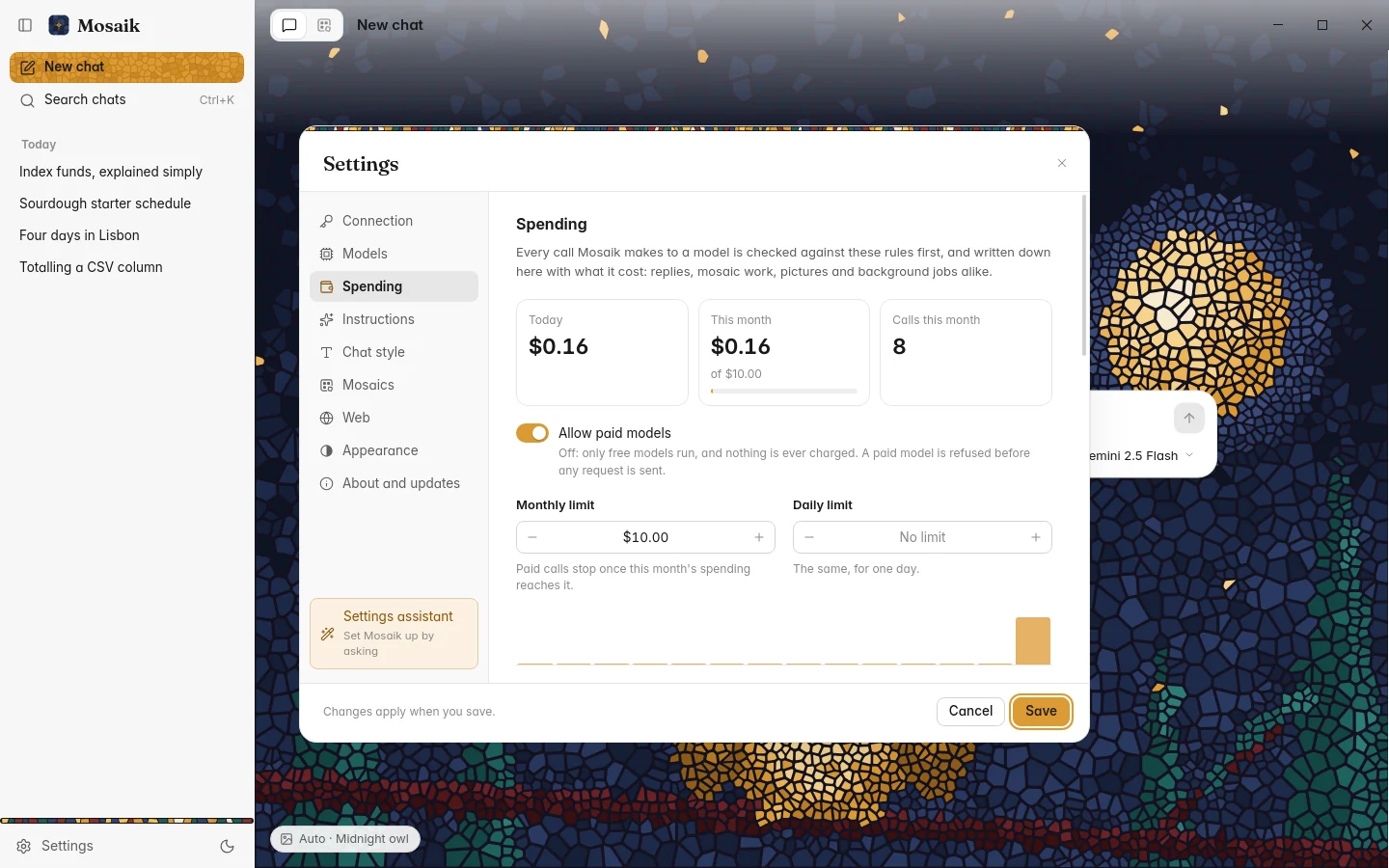
The price is OpenRouter's own figure wherever it reports one, and otherwise an estimate from the model's listed prices. OpenRouter's bill is the one that counts.
Spending limits
Settings › Spending has three controls:
| Monthly limit | $10 to start with. Change it or clear it. |
|---|---|
| Daily limit | Off to start with. Useful if you'd rather spread a monthly budget out. |
| Allow paid models | On to start with. Turn it off and only free models run, so nothing is charged. |
Every request is checked against the limits before it's sent. The first time you pass 80% of a limit, Mosaik tells you once. A request that would go over is refused, with the reason and a button to the Spending page, and nothing is sent. A request already running is allowed to finish.
The limits cover everything Mosaik asks a model for, including the small background jobs like naming a chat.
Why long chats stay affordable
Each message in a chat resends the conversation so far. Most providers cache the part that hasn't changed and charge a fraction for it, and Mosaik marks that part for the providers that need to be told. So the second message in a long chat costs much less than the first.
One setting affects this: Settings › Instructions › Advanced › Recent messages sent (40 by default). Once a chat is longer than that, the oldest message drops out of each request, which changes the start of the request and loses the cache.
OpenRouter's own limits
OpenRouter can put a credit limit on each key. It's a good second safety net, because it holds even if something goes wrong on your computer. Set it on OpenRouter's Keys page.
Free models have daily request limits set by OpenRouter, which are higher once your account has bought some credit. When you hit one, Mosaik tells you and you can switch model or wait for the next day.