Web search that works like a researcher.
Free, with no account or key. Each question gets the depth it deserves, the best pages are read in parallel, and chips mark which paragraphs rest on which source.
 Mosaik
Features
Mosaik has two places to be: Chat, for asking, and Mosaics, for making. Code, writing, research and art live inside the mosaics they belong to.
Any model on OpenRouter, your own instructions on top of Mosaik's, and a side channel for the questions that would otherwise derail you.
Responses stream from any OpenRouter model, with one-click stop and a single line that shows what the model is doing (reasoning, searching, reading) and then what the turn amounted to. Every conversation starts with Mosaik's own guidance on clear answers, under your instructions, which win.
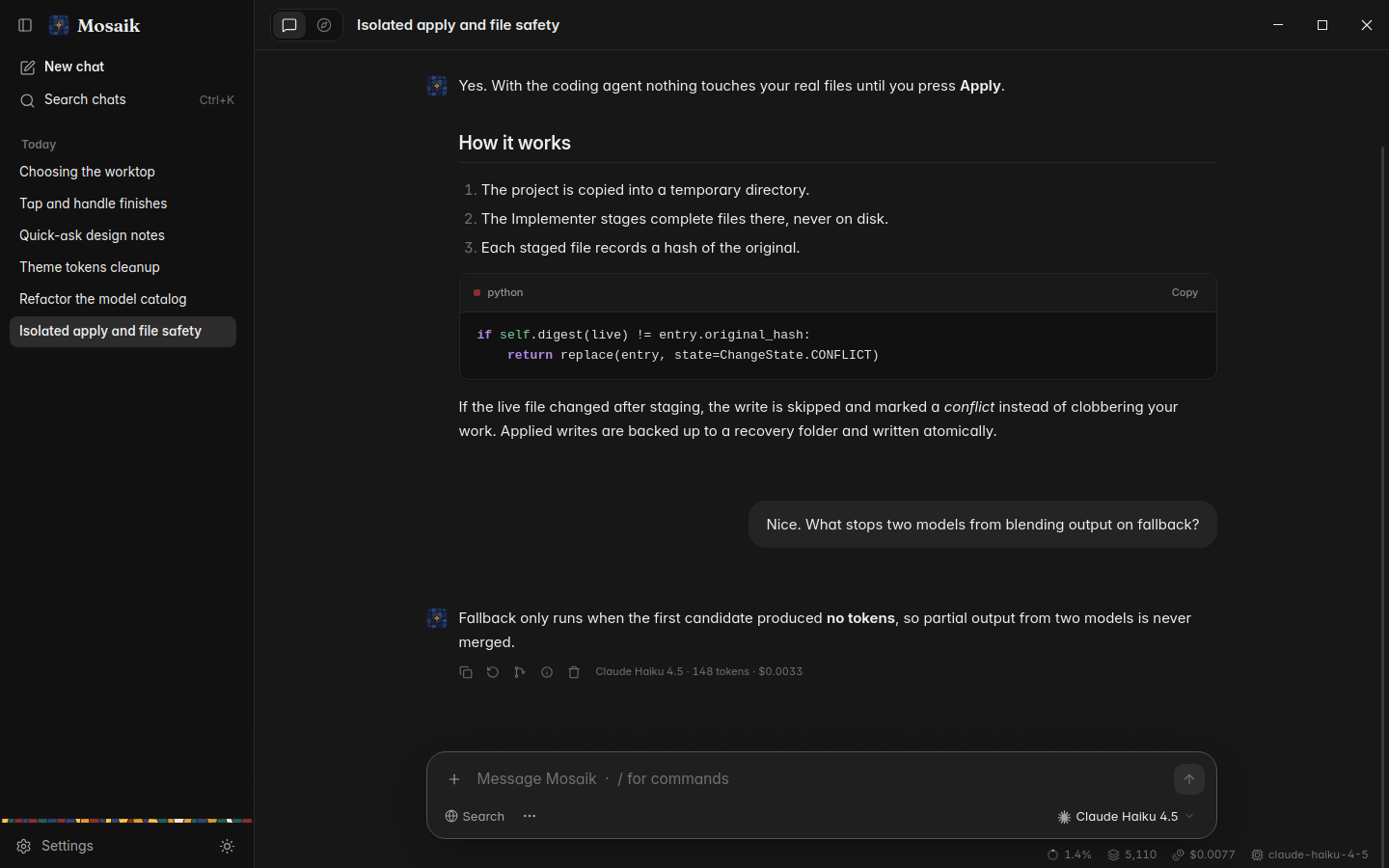
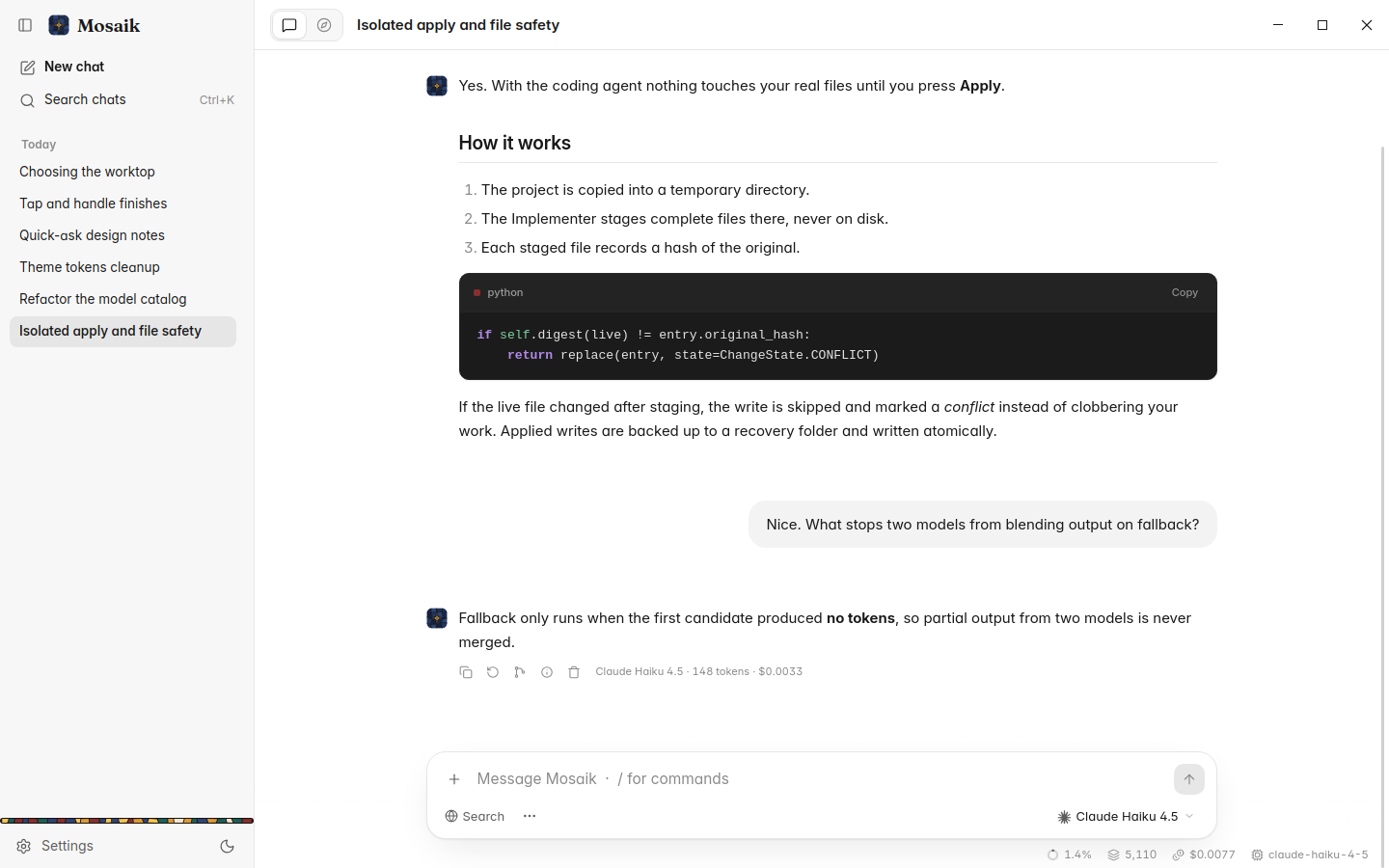
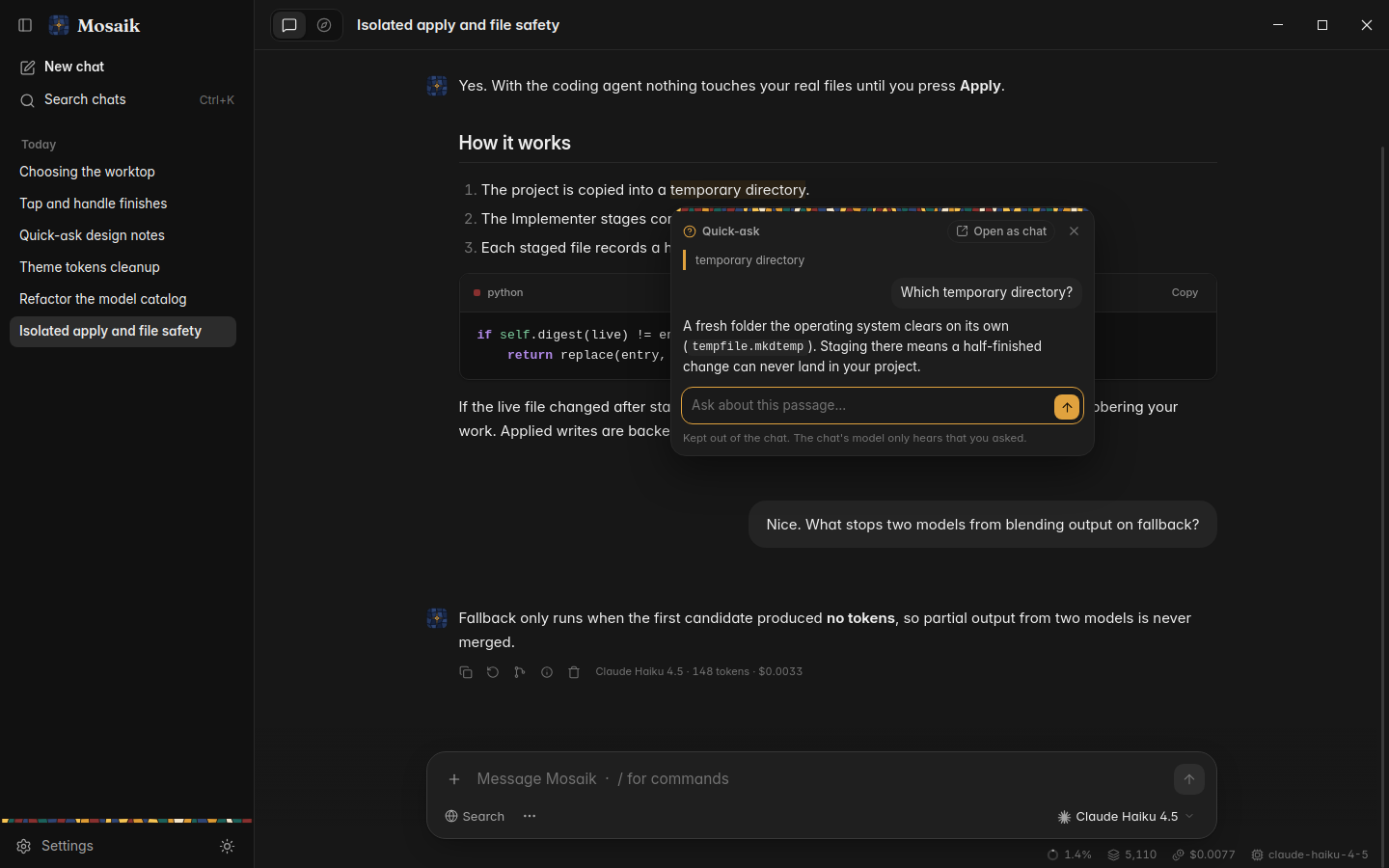
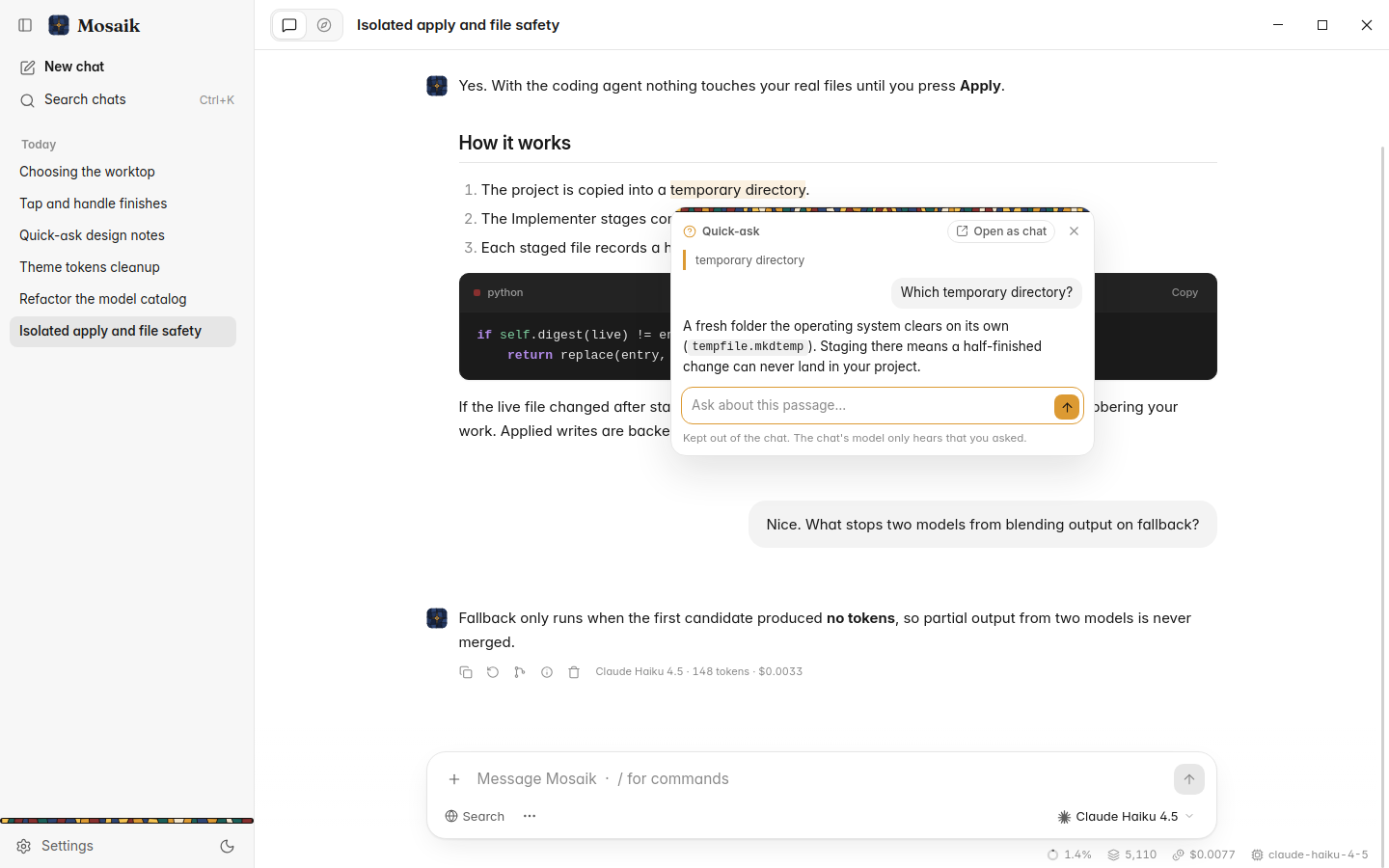
Select words in any message and ask about them in a popover beside the chat. The answer is seeded with the conversation but never added to it, so your main thread stays exactly where you left it. A side conversation worth keeping opens as a chat of its own.
Free, with no account or key. Each question gets the depth it deserves, the best pages are read in parallel, and chips mark which paragraphs rest on which source.
Ctrl K searches every conversation, titles and message bodies. Ctrl P, or / in an empty composer, runs any command or switches model.
Drop in images and text files, and set the chat font, size, density, reading width and reduced motion to suit you.
A book, an app, a workshop, a hobby. A mosaic holds the brief, the goals, the open tasks and what has been learned, and carries them into every conversation inside it.
The Home page asks one question: What are we making today? Mosaik decides from your words whether that is a quick question or a project. A new project opens with your words already sent, and the brief fills in beside the conversation until one button makes it real.
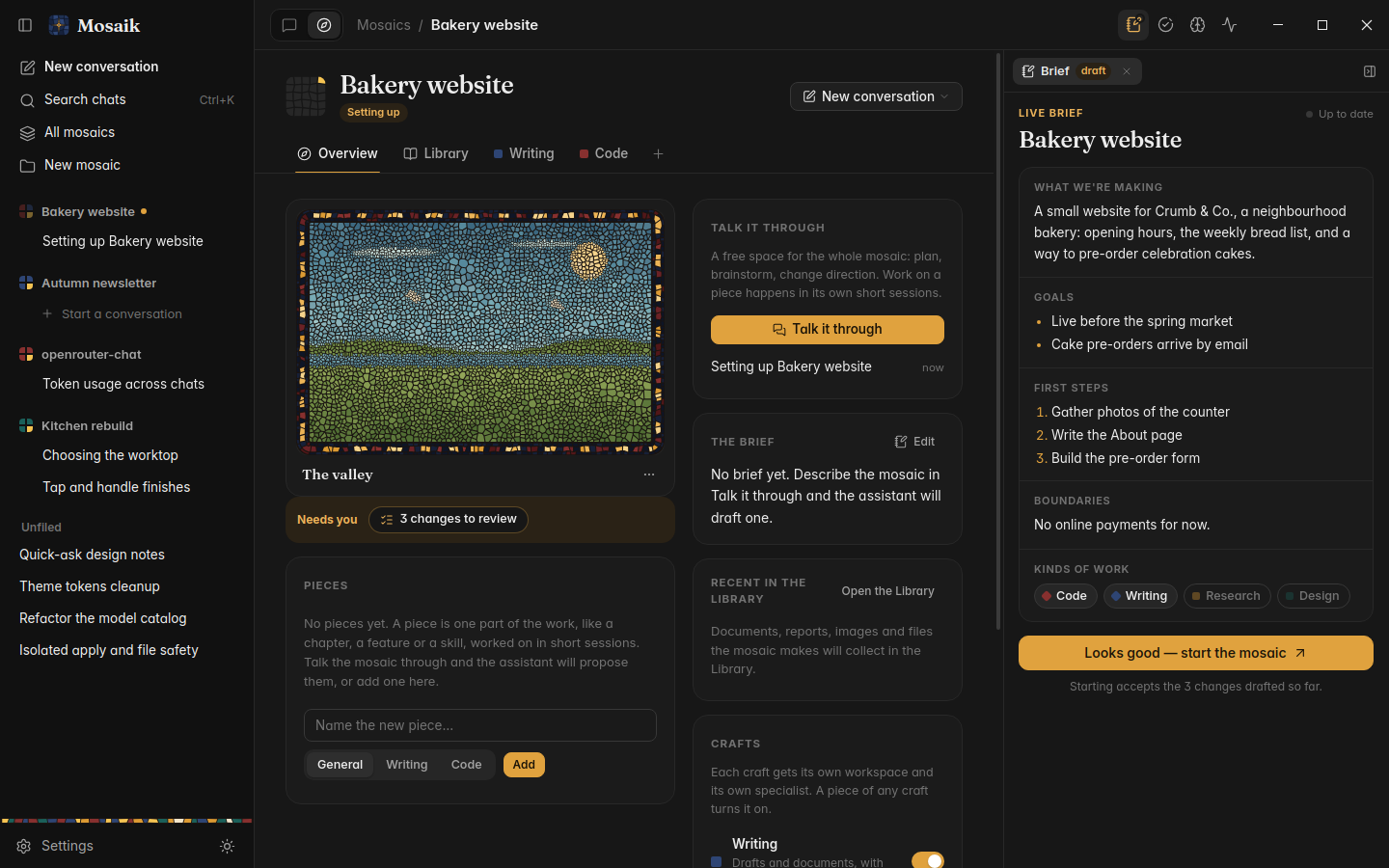
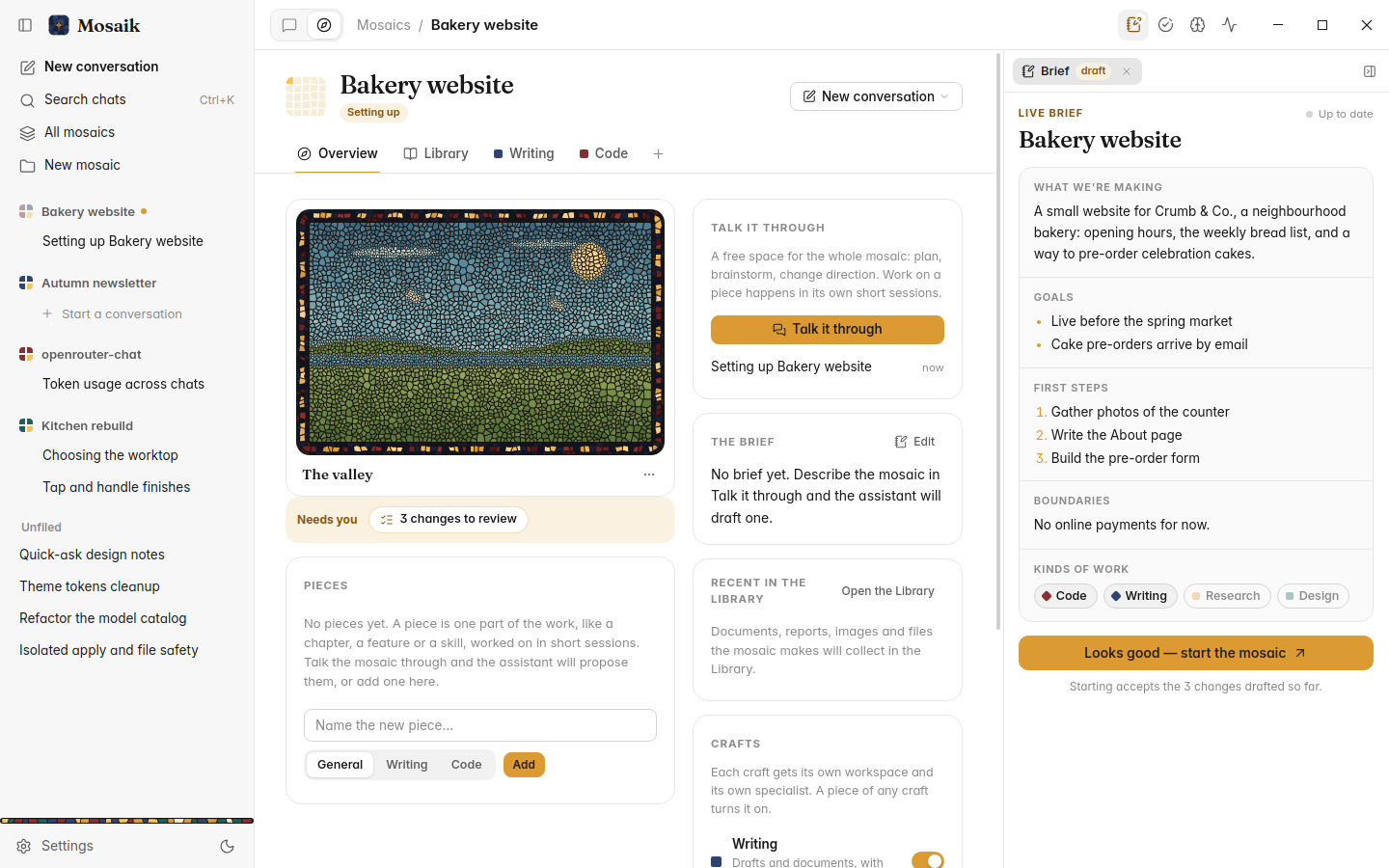
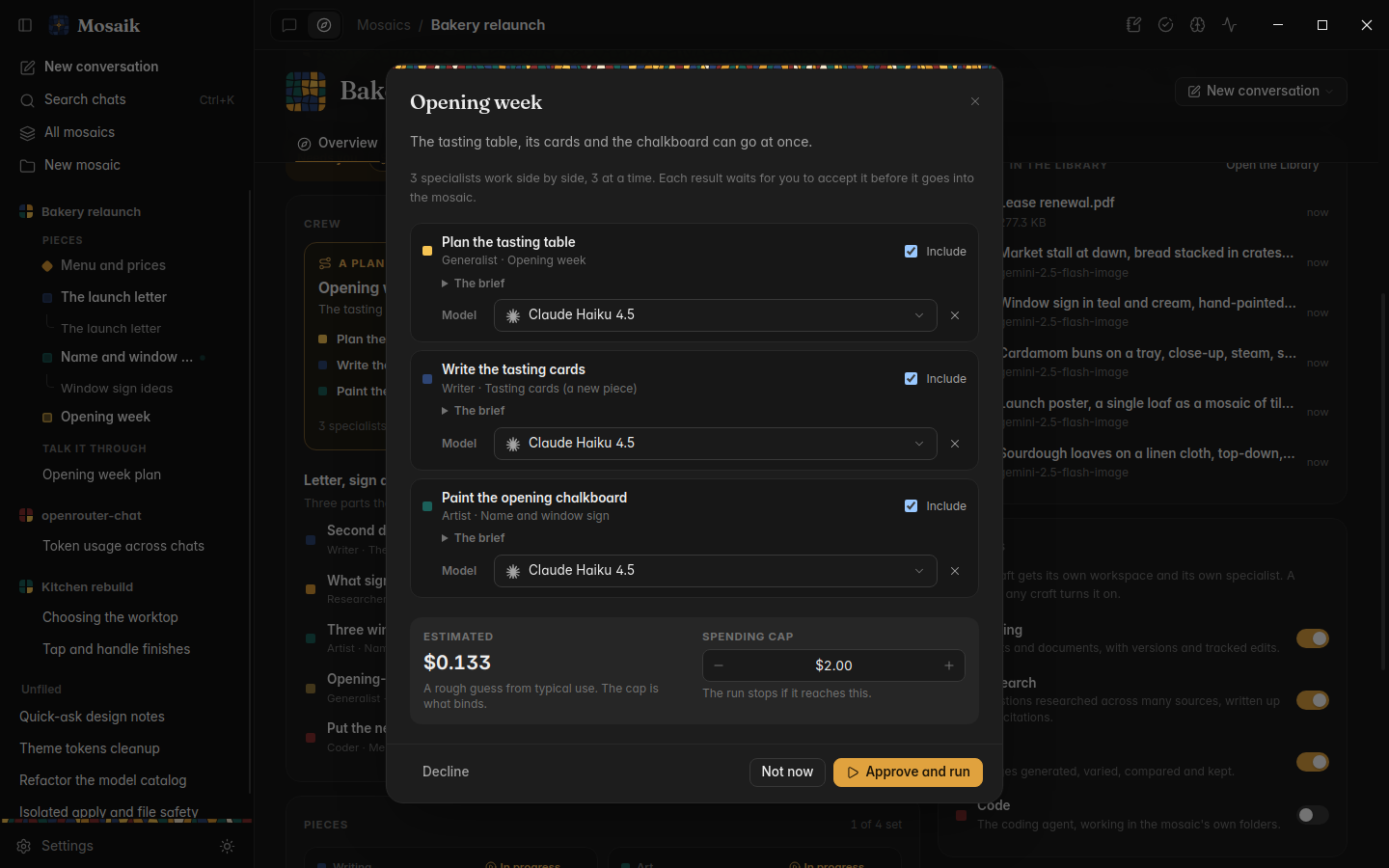
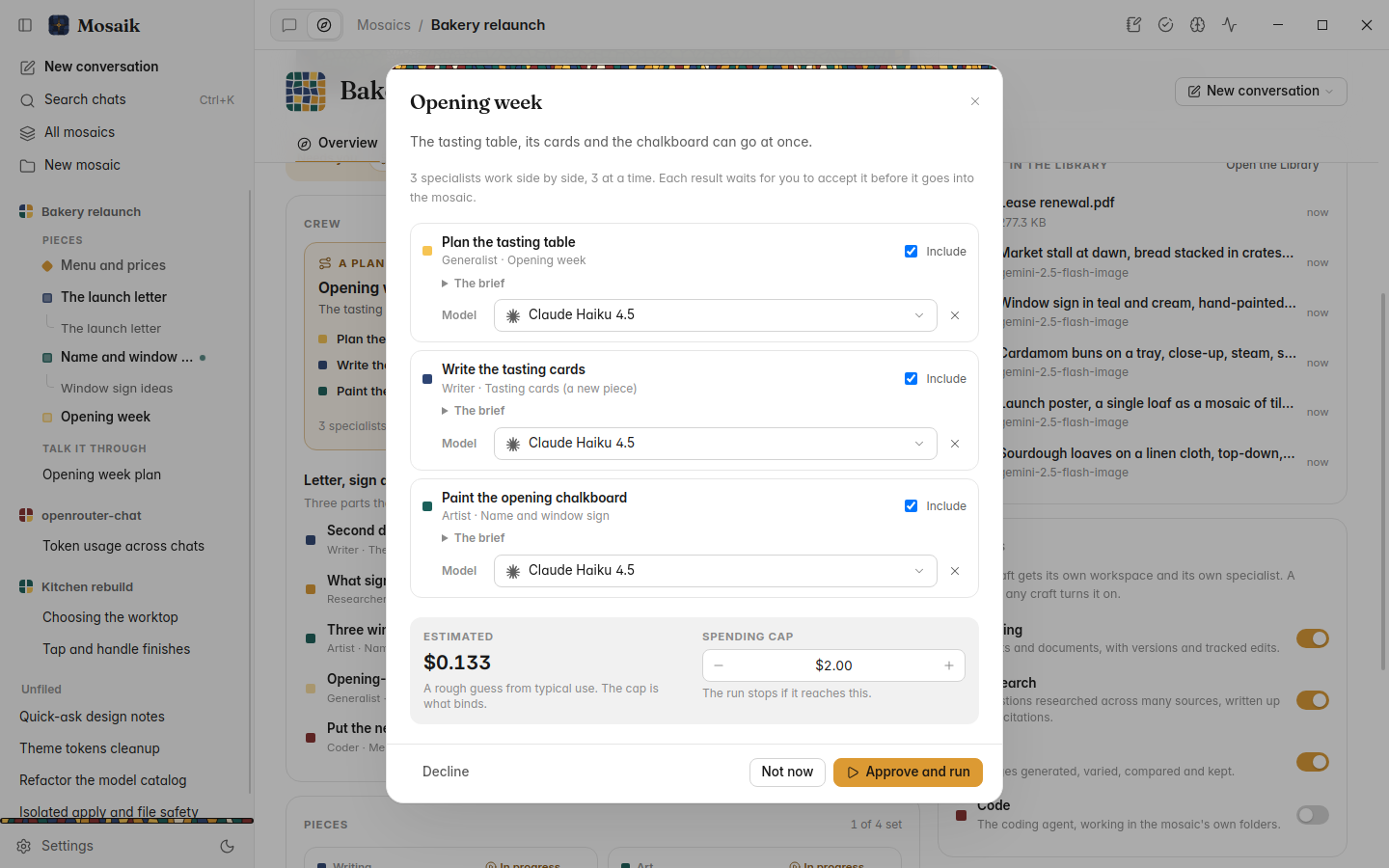
The lead splits larger work into a plan. You approve it once, with its spending cap in view, and writers, researchers, artists and coders work in lanes you can watch. Every result waits for you to accept, decline or redo.
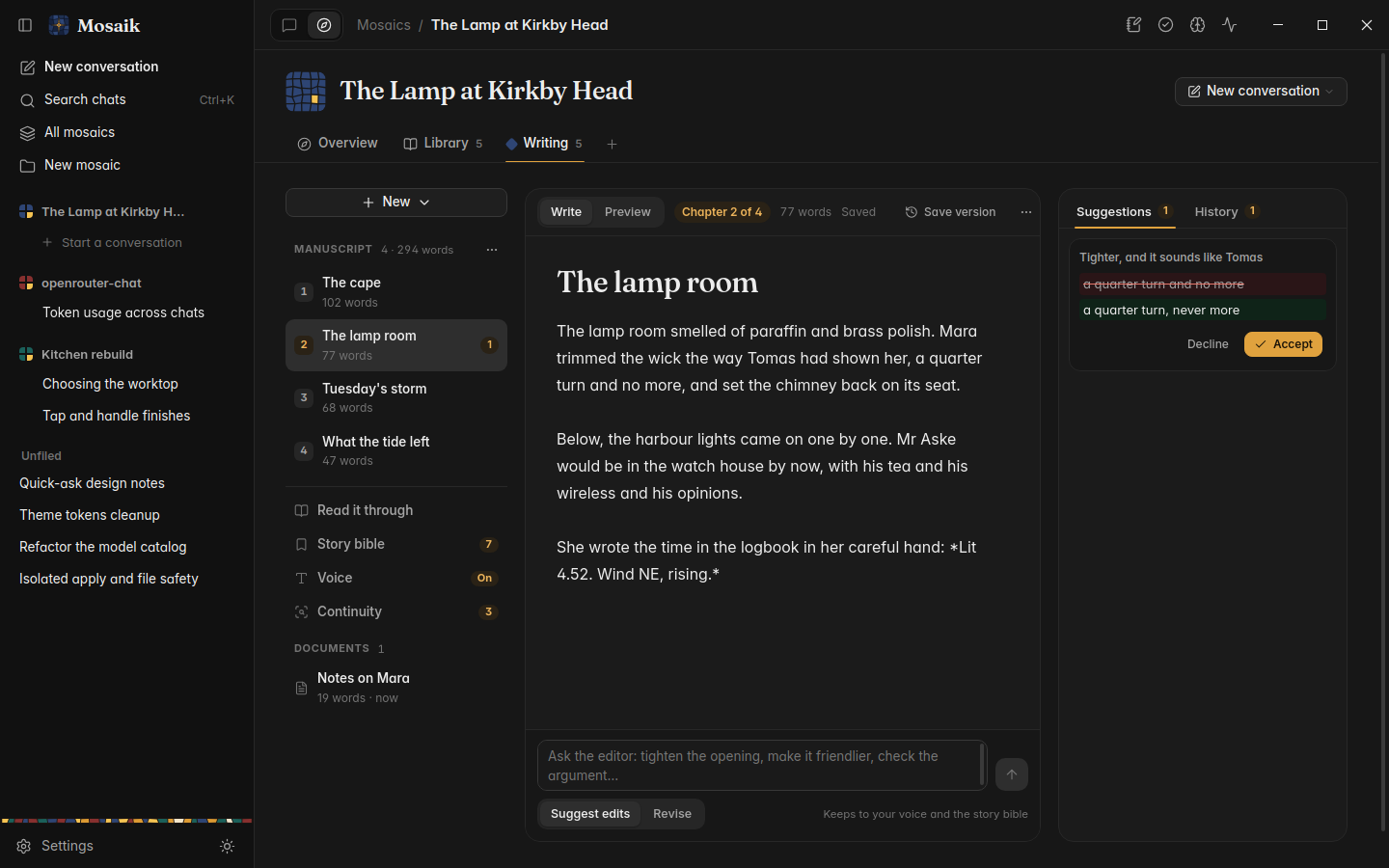
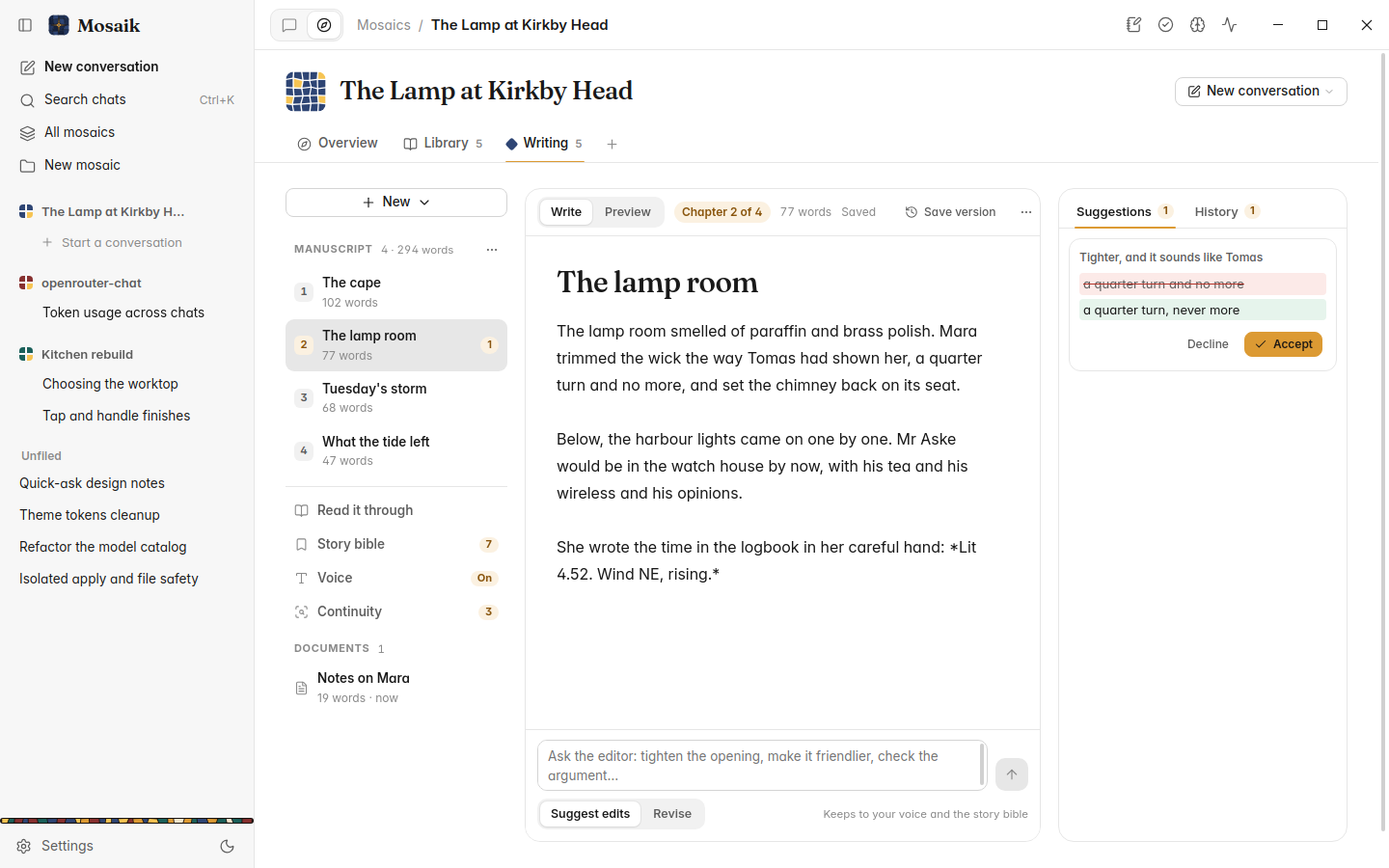
Ordered chapters beside your other documents: drag to reorder, read it through, and export it with a title page. A story bible of characters, places and facts keeps every draft, edit and continuity check consistent.
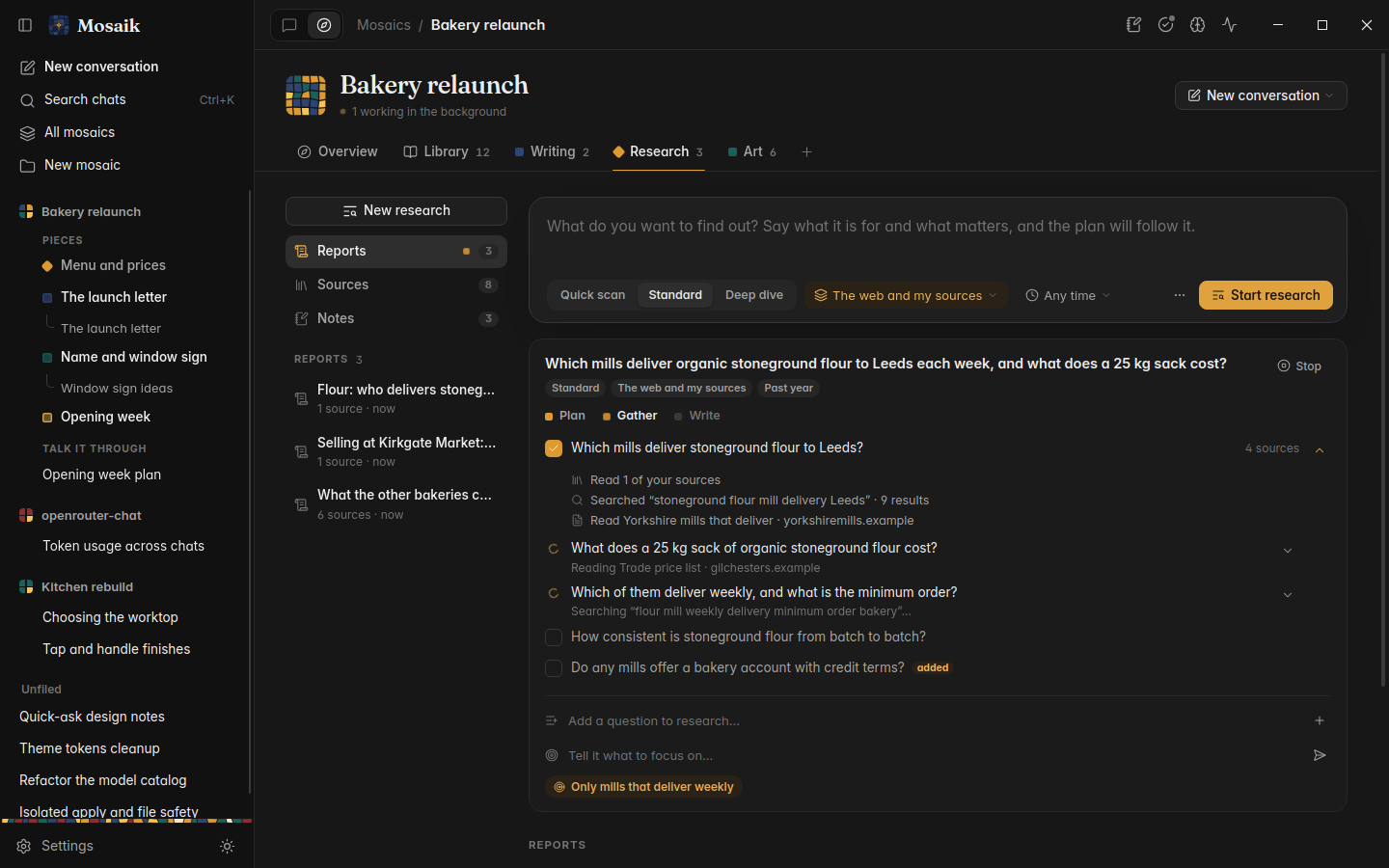
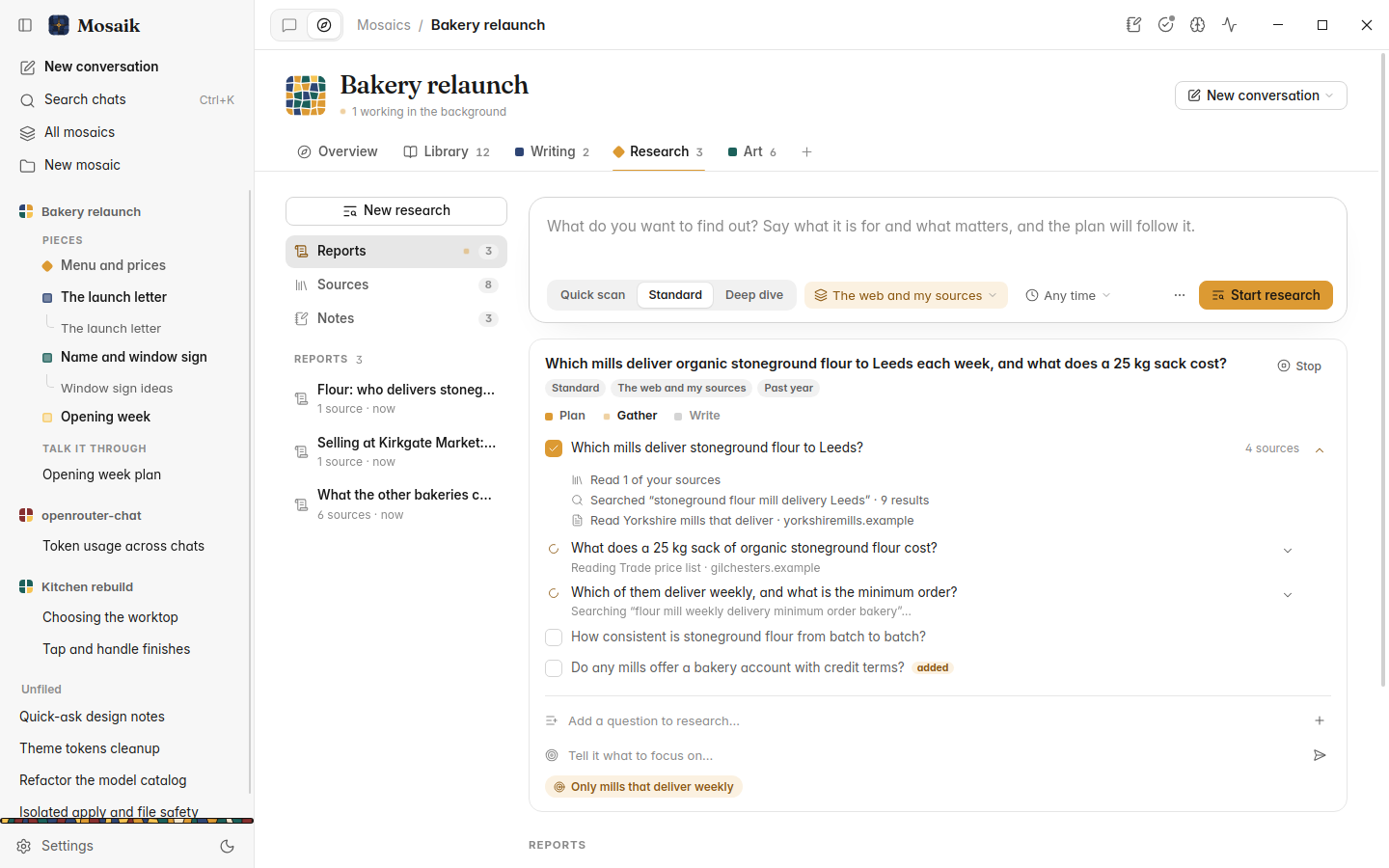
Review the plan before anything is searched, see every search and page as it happens, and add a question, skip one or change the focus mid-run. Reports show their working: numbered citations, and how each was researched, with the model and the cost.
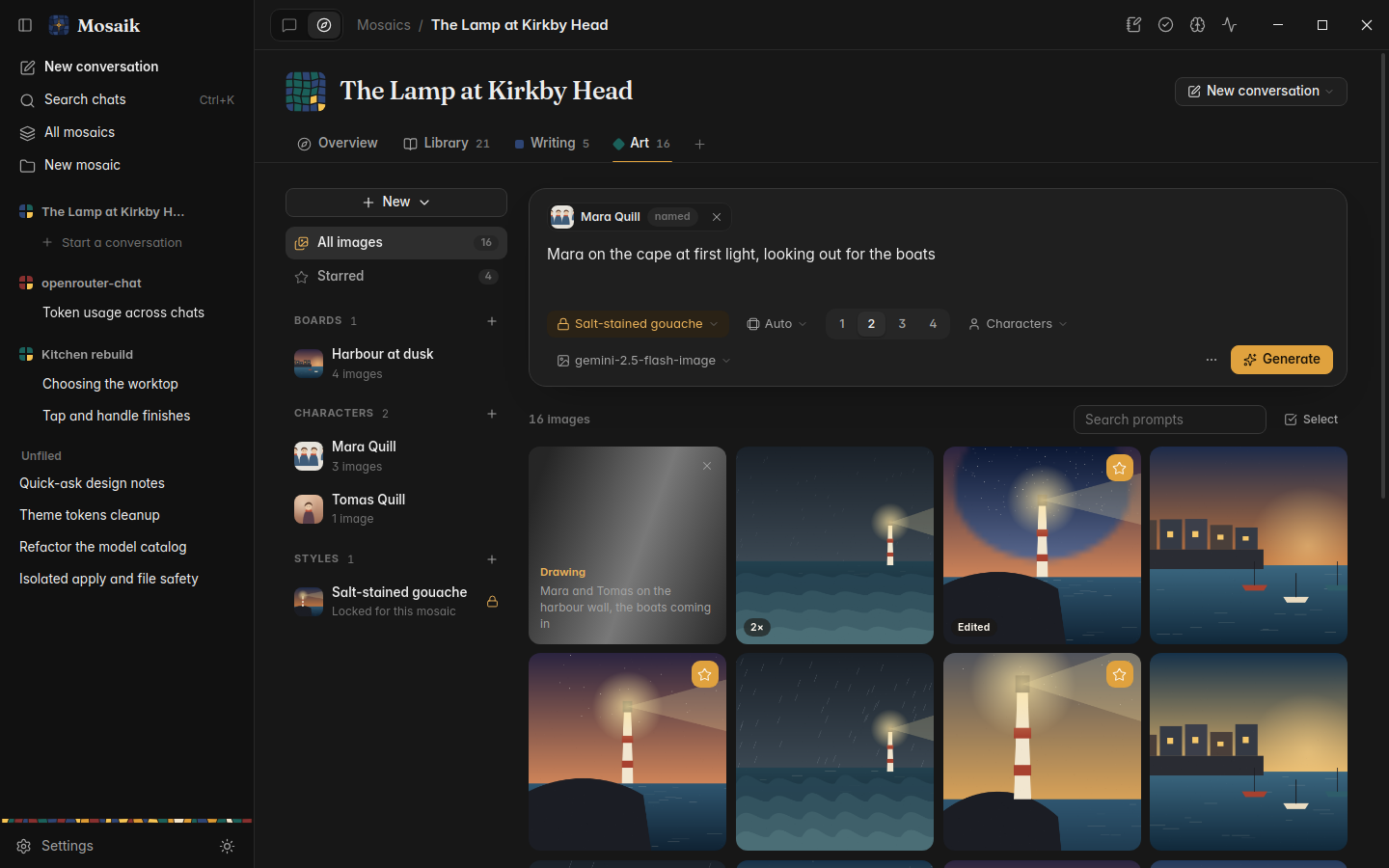
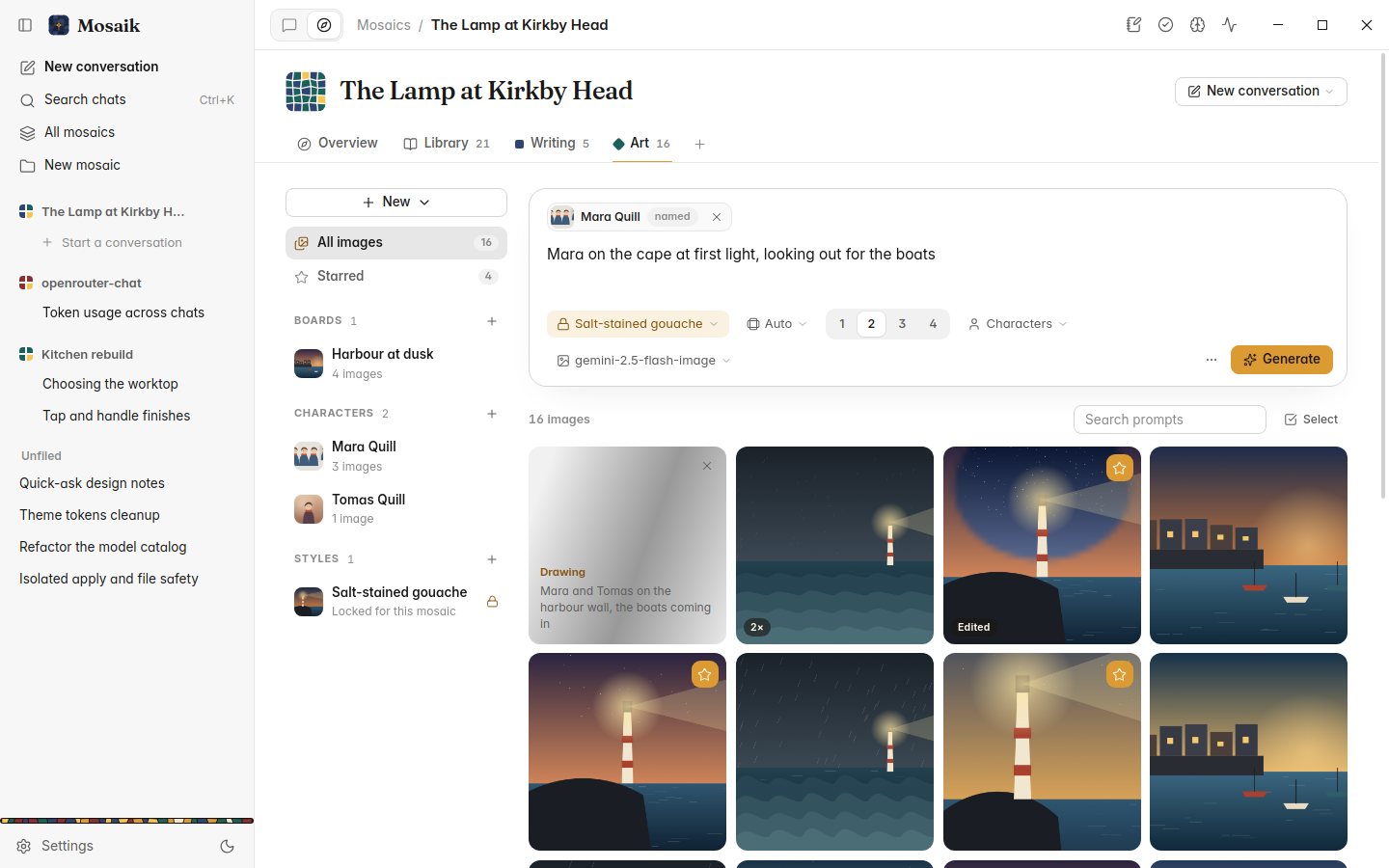
Name a character in a prompt and their notes and pictures go along; draw a character sheet to give them a turnaround. A style locked for the whole mosaic, one of nine or your own, is kept by every picture, including those made by the crew.
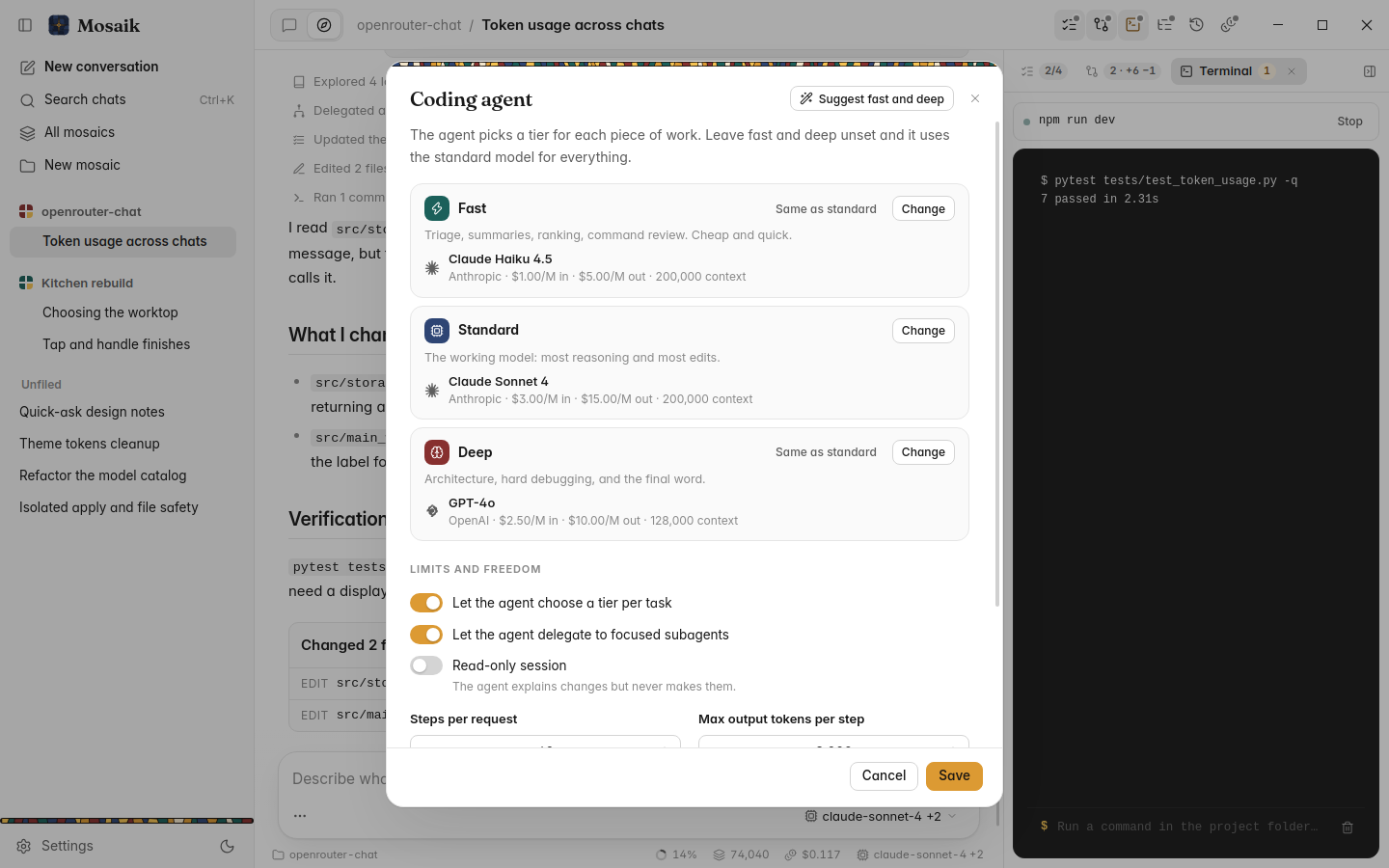
Attach a folder to a mosaic and it gets a coding agent that works in your files, with safety nets you can see.
The agent searches, reads, edits and runs your tests, reads its own diff back before it reports, and iterates on what fails. It can open a page it built in a private browser and look at it, so a web change is checked, not guessed.
AGENTS.md and CLAUDE.md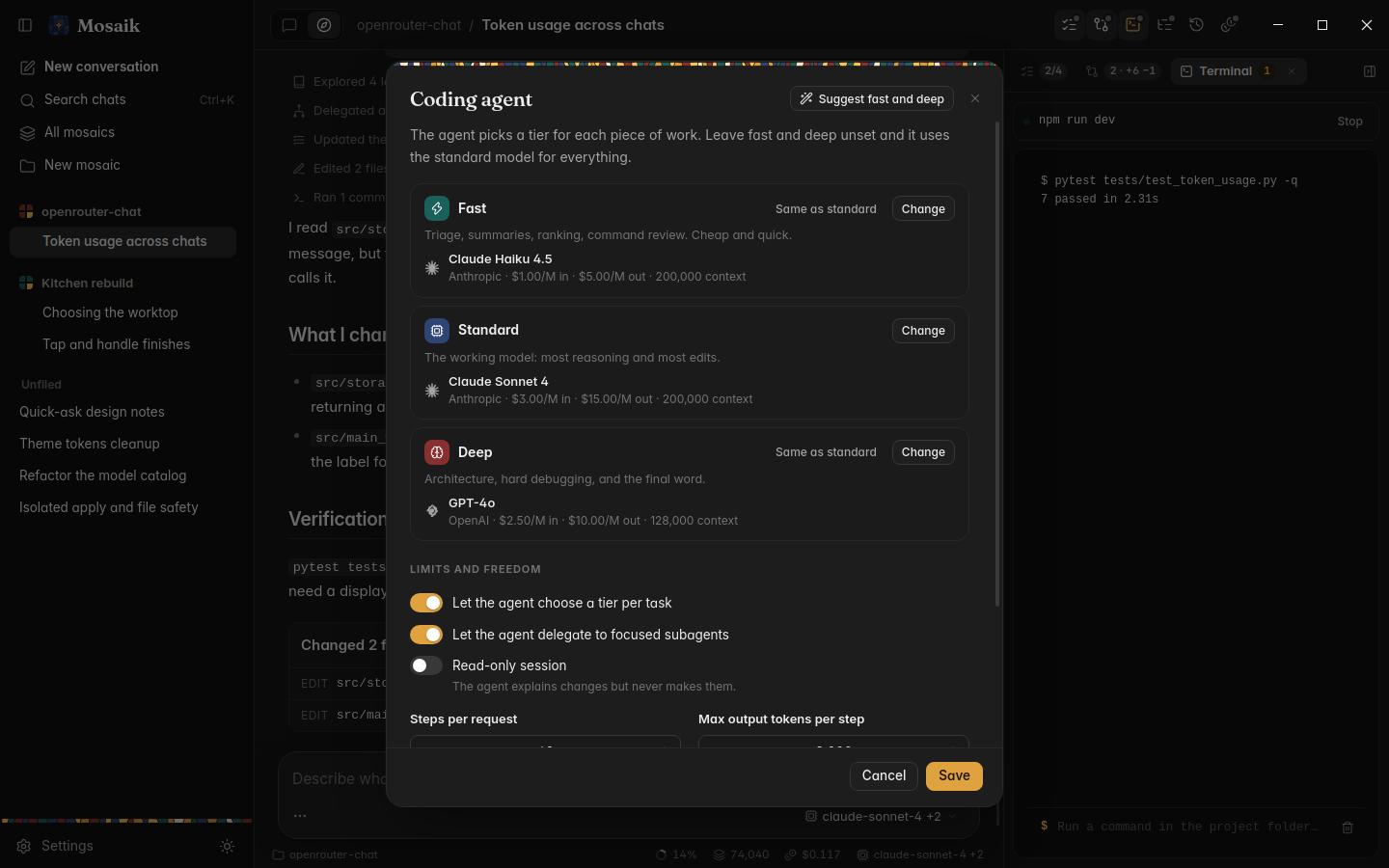
Every turn is checkpointed, so a turn or a single file can be undone, with or without git. In a git repository each session works on its own branch that you merge or throw away. Plans wait for Build it.
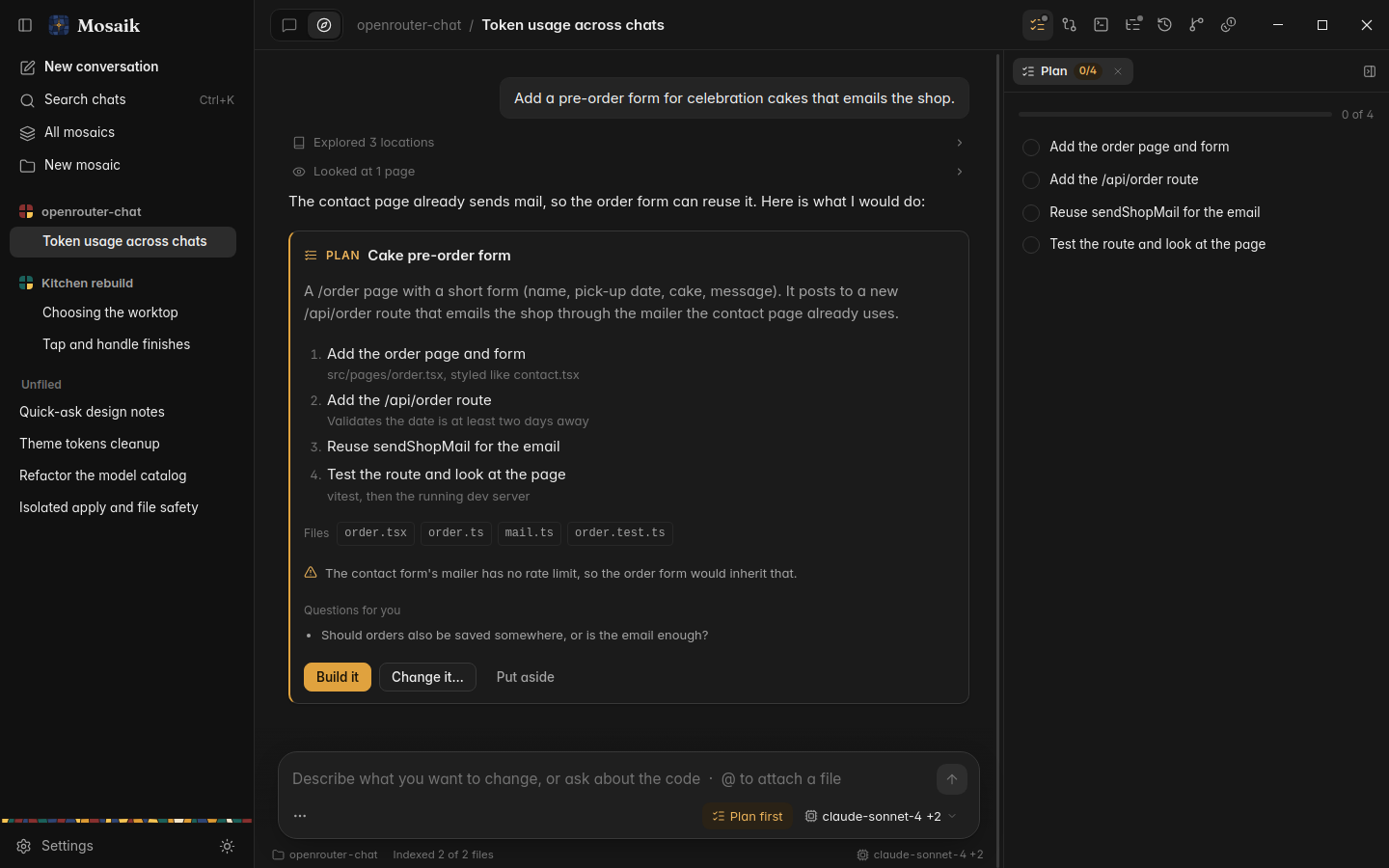
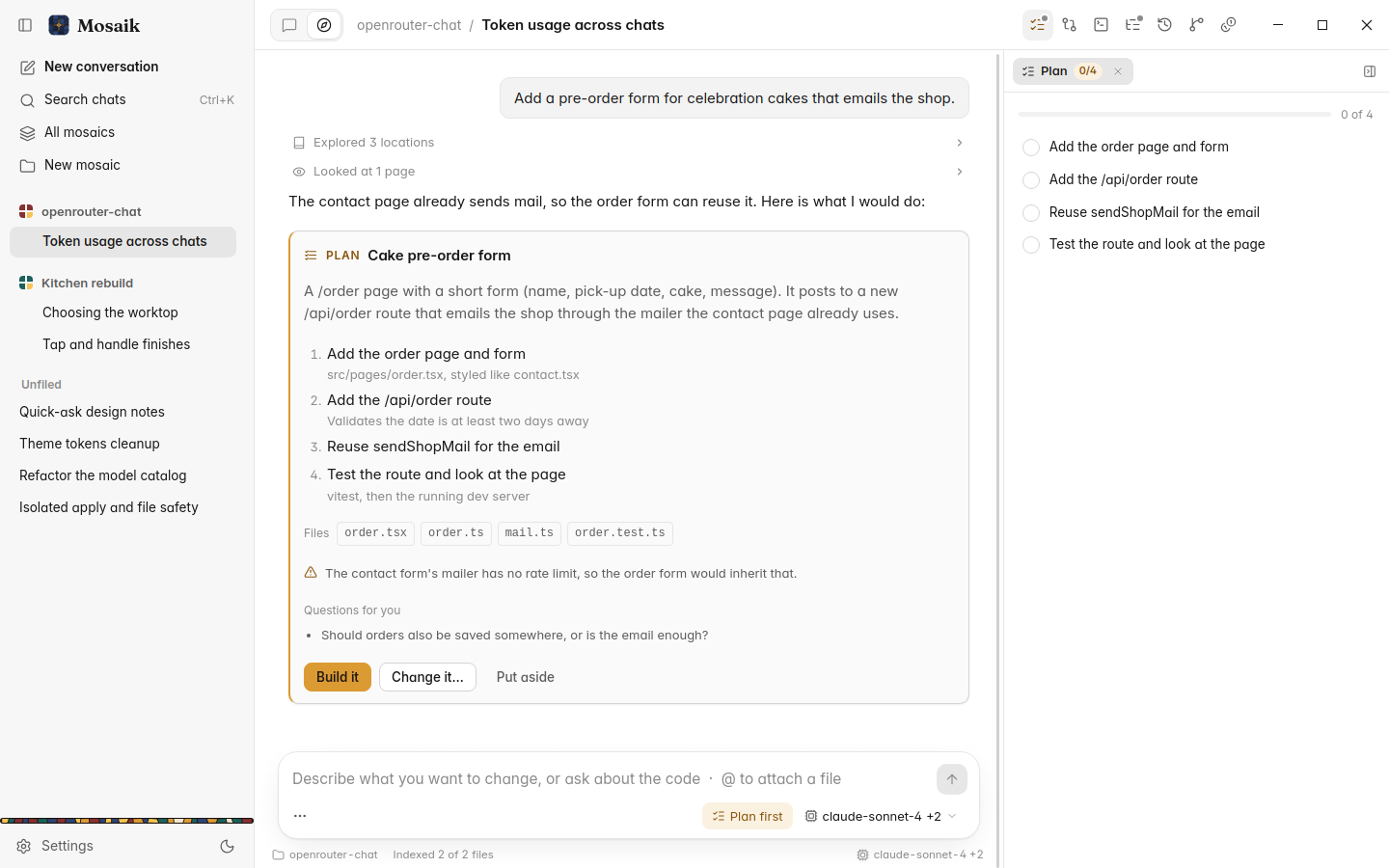
The coding agent edits your files directly and runs commands in your project. It is not an operating-system sandbox: the command policy and the per-turn checkpoints are the safety net.
Mosaik is in early preview. Join the waitlist and we'll invite you as places open up.